System Administration
Configure Zelo ERP around the processes of your company: centralize data, users, permissions and documents to work with more control, operational consistency and simplicity every day.
Request your free demo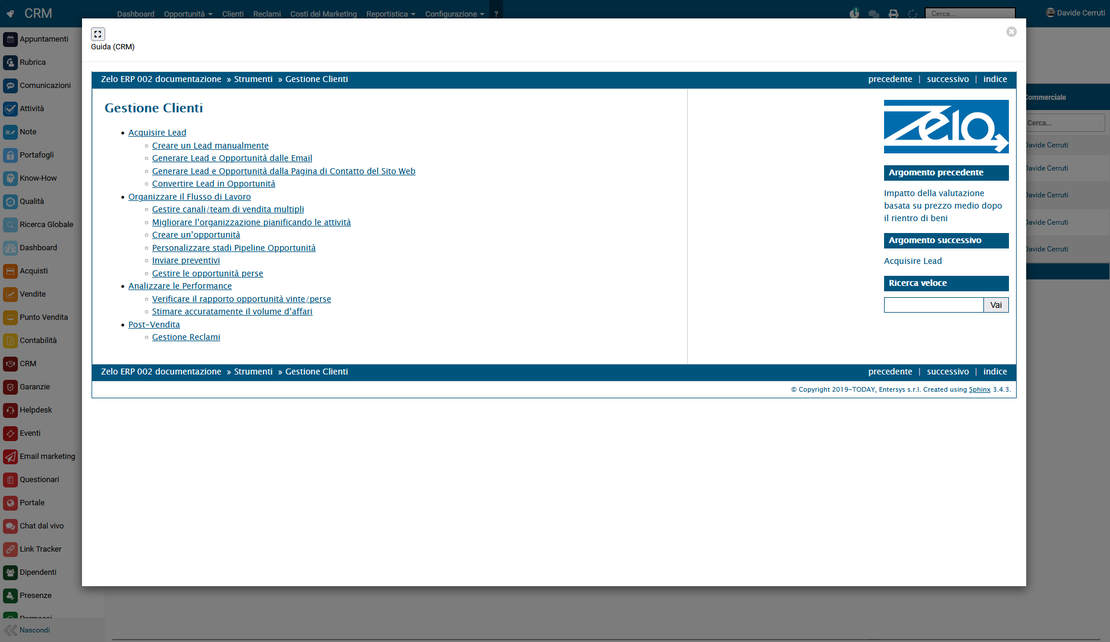
Everything you need to shape the ERP around your company
Centralized and secure configuration
Manage business data, roles, permissions, documents and system parameters from a single point. Reduce uncontrolled changes, prevent operational errors and keep every area of Zelo ERP consistent with company rules.
Operational support always available
Manual, tutorials, screenshots and tooltips accompany users while they work. Every employee finds concrete guidance at the moment it is needed, so the team raises fewer internal requests and learns the procedures sooner.
AI automations under control
Connect artificial intelligence to the data of the management system to speed up translations, descriptions and operational texts. Define fields, prompts and rules, verify every suggestion and keep control over the quality of the information published.
AI integration
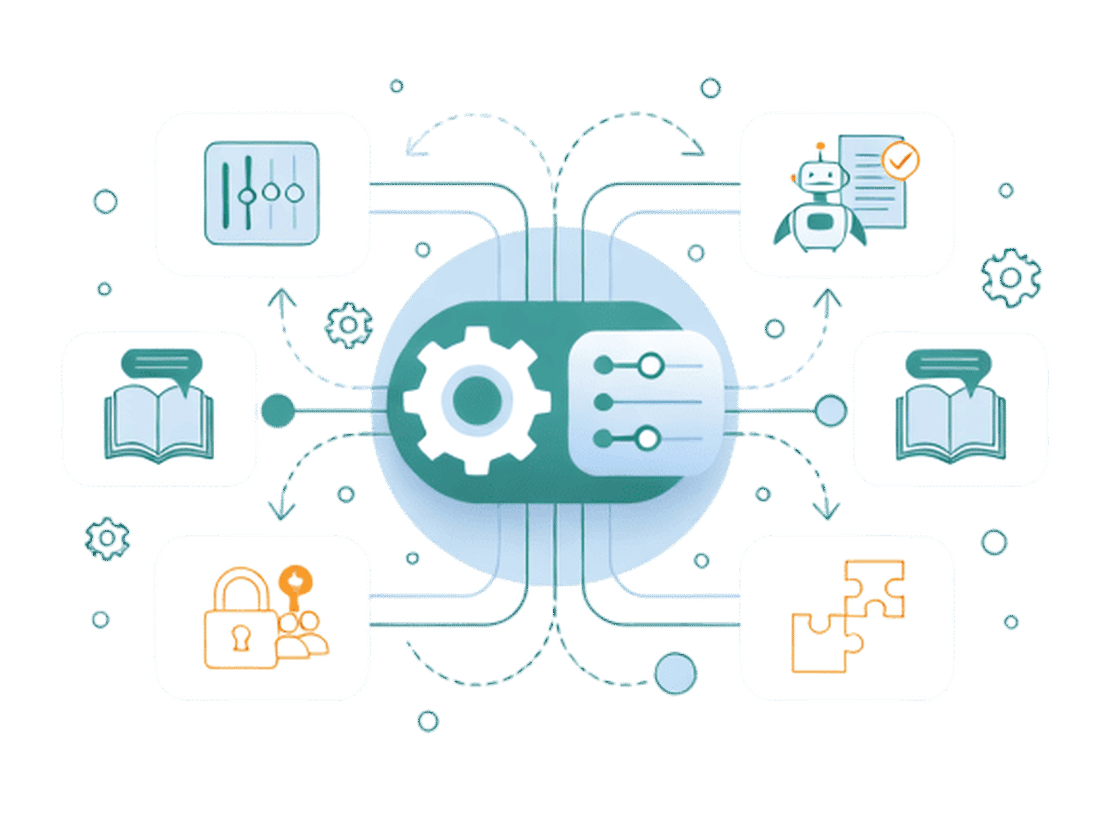
Connect Zelo ERP to the main artificial intelligence engines to turn management data into useful and consistent content. Configure fields and prompts, automate translations, product descriptions and operational texts, then verify every result before publication. A controlled flow that reduces repetitive work and improves efficiency.
Discover all the features of the AI Integration
User manual
Access an operational guide directly in Zelo ERP, organized by business areas and enriched with examples, screenshots and contextual tooltips. The integrated tutorial shows the connection between configuration, sales, inventory, production and accounting, helping every user to work autonomously and with shared procedures.
Discover the Zelo ERP User ManualSystem settings
Customize Zelo ERP according to the structure and rules of your company. From a single area you can manage business data, roles, permissions, user preferences, document templates and technical parameters: consistency between departments, greater security and documents that are always correct, up to date and professional.
Discover all the features of the Zelo ERP Settings