A single master data file for customers, suppliers and agents

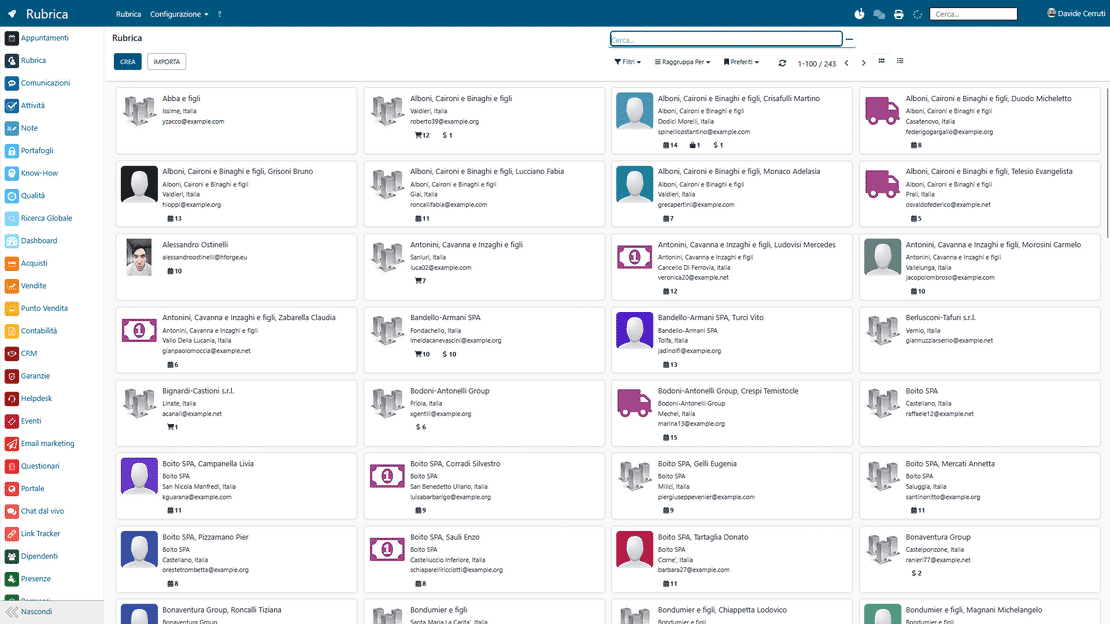
The Partner Address Book of Zelo ERP collects customers, suppliers and agents in a single master data file, with branchable internal contacts and dedicated sales assignments. Every module of the software reads the same data: you type it once, with no duplicate entry and fewer communication errors between departments.

Request a free demo
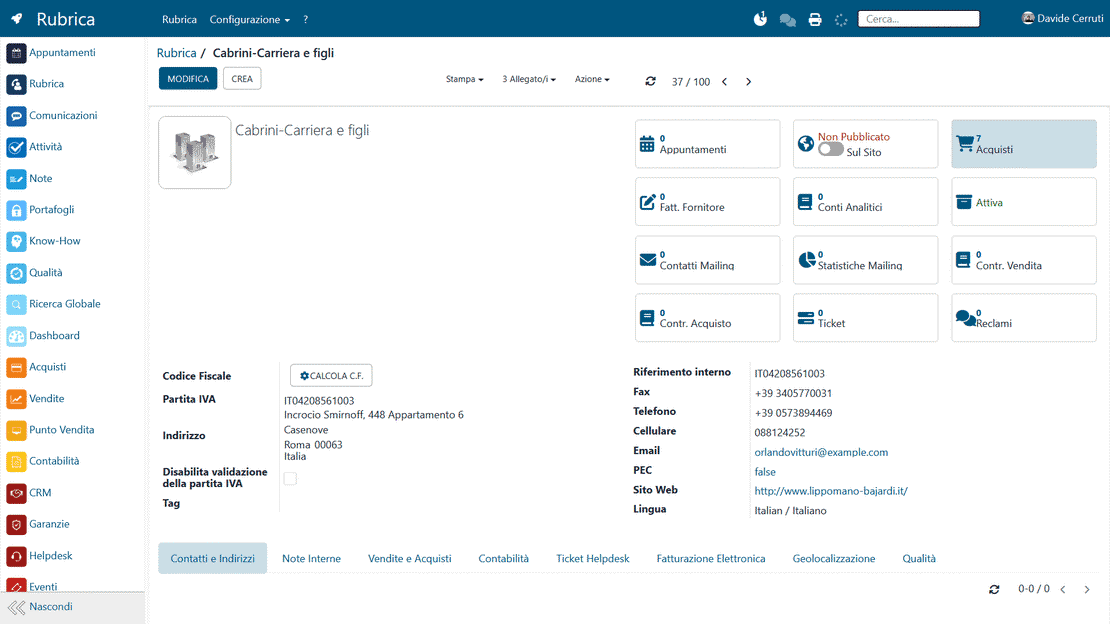
Partner Address Book module of Zelo ERP: master data card of a customer

What a shared address book changes for your company and your customers

A shared address book means fewer errors and less back-and-forth between departments, and your customers get faster answers and consistent, personalized service.

What your company gets from a centralized address book

An always up-to-date address book means fewer communication errors, faster collaboration between departments and, over time, more revenue.

  • Create partners instantly
  • Edit fields with no limits
  • Archive or delete a contact securely
  • Reports updated in real time
  • Sync with CRM and Projects

What your customers notice in every interaction

When the partner address book is up to date, your customers get faster answers and solutions that fit them.

  • Requests answered on time
  • Personalized service for each customer
  • Consistent communications, whoever replies
  • A traceable history of interactions
  • A smooth buying and selling experience

Manage partners in three steps

From creating a new partner to analyzing their performance, the whole workflow takes a few clicks.

1. Create

Add a new partner by filling in name, company and role.


Associate activities, opportunities or quotes with the contact you just created.


3. Analyze

View interaction and performance reports in real time.

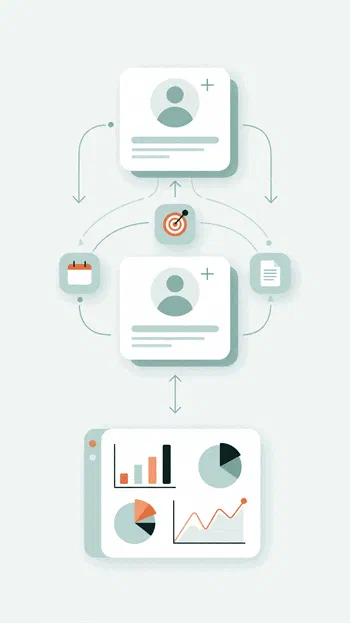
Partner address book in Zelo ERP: creating and linking a partner

Unified Master Data

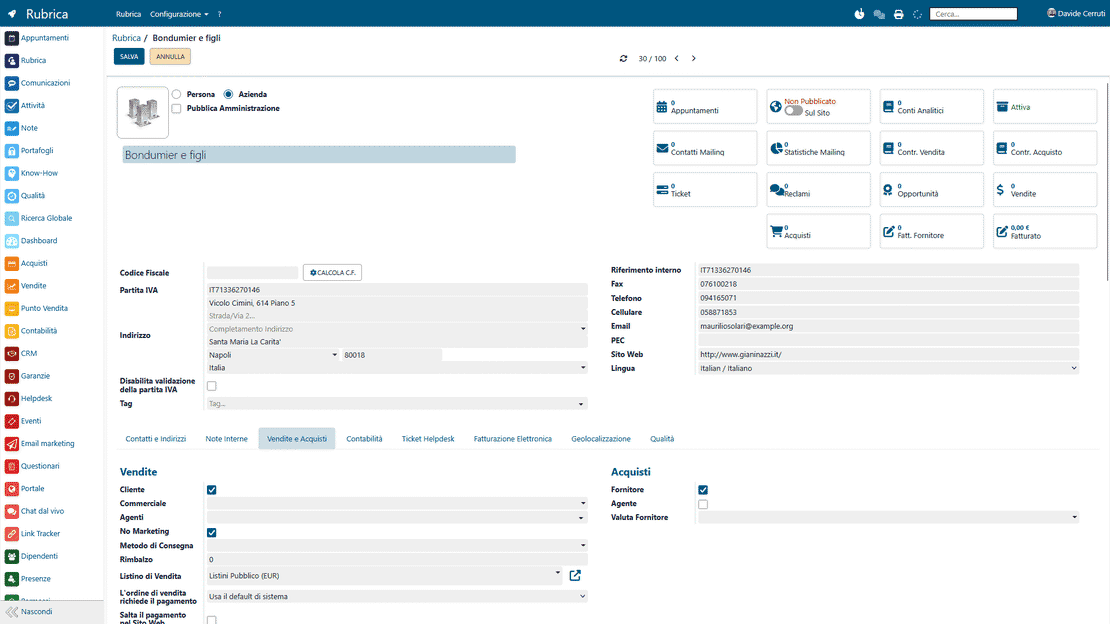
A partner can be customer, supplier and agent at the same time, in one master data card. One address book means no fragmentation and no duplicates, and Zelo keeps the data consistent across every area of the software. Each role has its own parameters, so you never create different records for the same entity.

Partner address book in Zelo ERP: unified master data with multiple roles
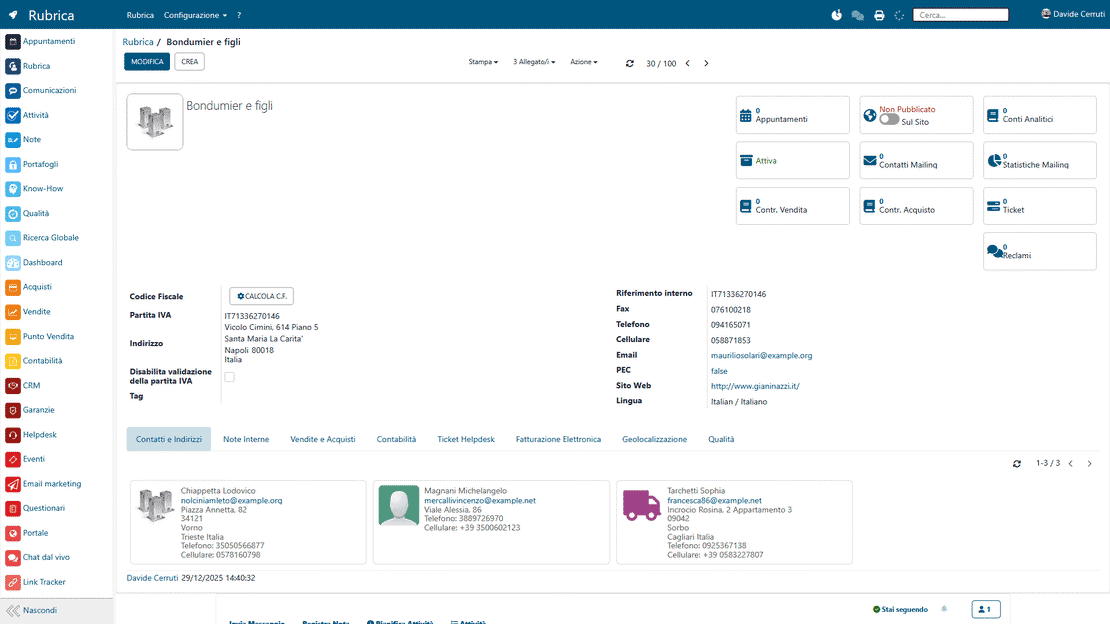
Partner address book in Zelo ERP: internal contacts of a partner

Internal Contacts

Map company contacts with roles, areas of responsibility, offices and direct contact details. Each partner can hold a branchable list of key figures, such as purchasing managers or warehouse supervisors. Anyone in the company can see who to contact for what.

Team Assignment

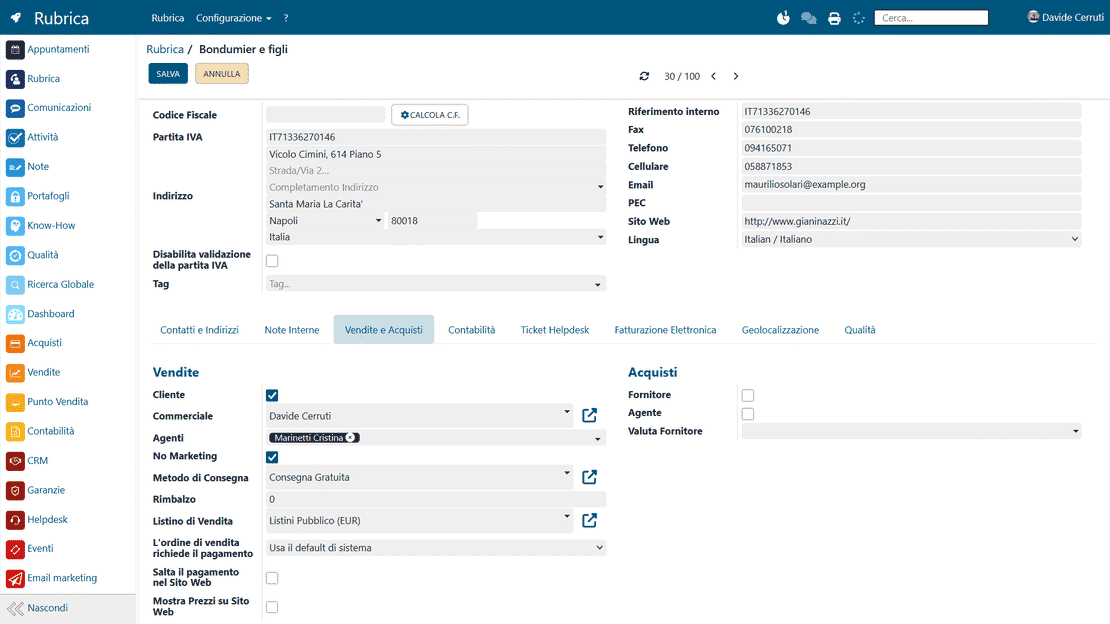
Link each partner to a dedicated internal sales representative and, at the same time, to an external sales agent. Both the sales force and the sales office see the same master data: this cross visibility prevents territory conflicts and makes sales performance easier to monitor.

Partner address book in Zelo ERP: assignment of agents and sales representatives
Partner address book in Zelo ERP: smart button with the partner's statistics

ERP Integration

Zelo synchronizes the Partner Address Book with accounting, warehouse, project management and CRM. Any change to the master data is immediately reflected on orders, invoices and delivery documents. Nothing is re-typed by hand, so there is less risk of errors in daily operations.

Advanced Profiling

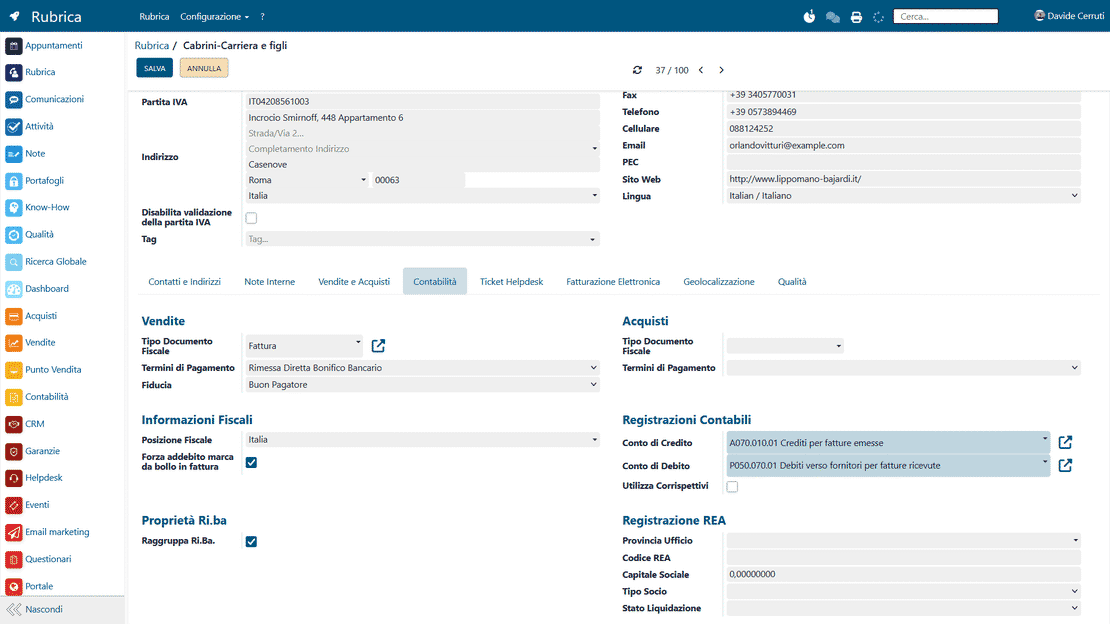
Set personalized payment terms and dedicated price lists for each type of partner you register. The customizable fields adapt the database to how micro, small and medium-sized enterprises actually work.

Partner address book in Zelo ERP: payment terms and dedicated price lists

5 questions on the
Partner Address Book module

Answers to the most common questions about features, integrations and costs.

Open the Address Book module, click Create, fill in the required fields (name, company, role) and save. The contact is immediately available to every other area of Zelo ERP.

Yes. Use the Import function in the Actions menu of the address book toolbar: the system lets you map the fields of your Excel or CSV file and inserts the partners into the address book automatically.

You decide who sees what, by role (for example administrator, sales, support). Only users with the right permissions can modify or delete a contact

From the partner’s profile, select the “Plan Activities” tab or the “Opportunities” button. From there you can plan new activities or create opportunities and quotes.

Zelo ERP ships with reports on interaction volume, the value of generated opportunities and conversion rates for each partner. The Smart Buttons in the contact card are a good starting point: from there you can generate further details, charts and dynamic pivot tables.

Tools integrated with the
Partner Address Book

See all the tools integrated in Zelo ERP.
No licensing cost per installed module, per number of users or per enabled stations

call to action

One partner, every role, no duplicate records.

Talk to our team about managing customers and suppliers as one integrated business process.
Talk to an expert