Connect Git repositories and commits to your projects in Zelo ERP

Zelo ERP’s Git integration connects version control to project management. Repositories, branches and commits link to the projects and tasks of the management system, so code and business information stay in one place.

Request a free demo
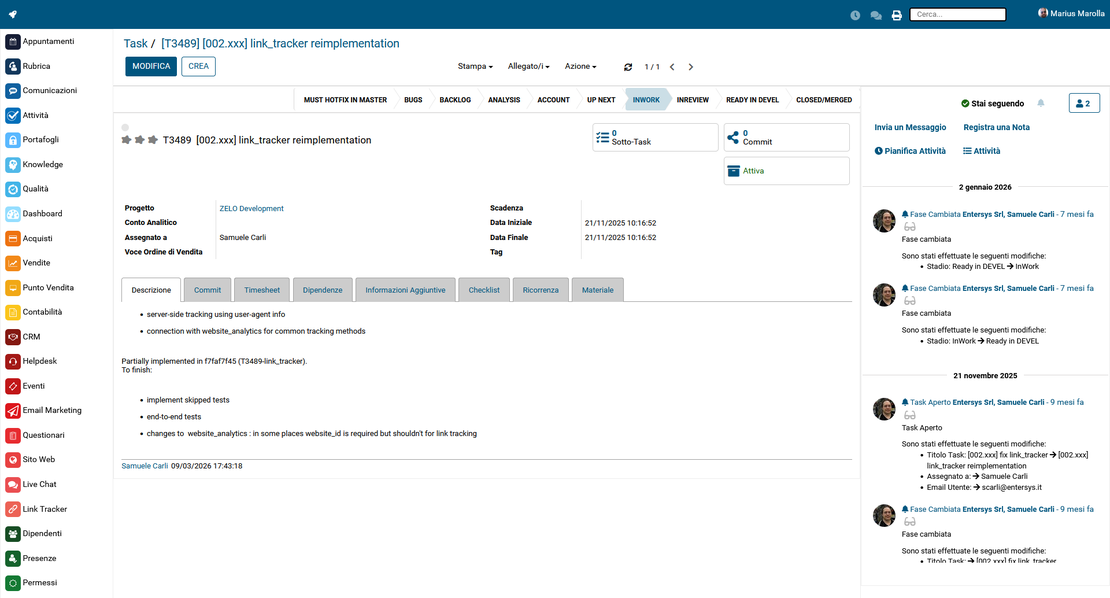
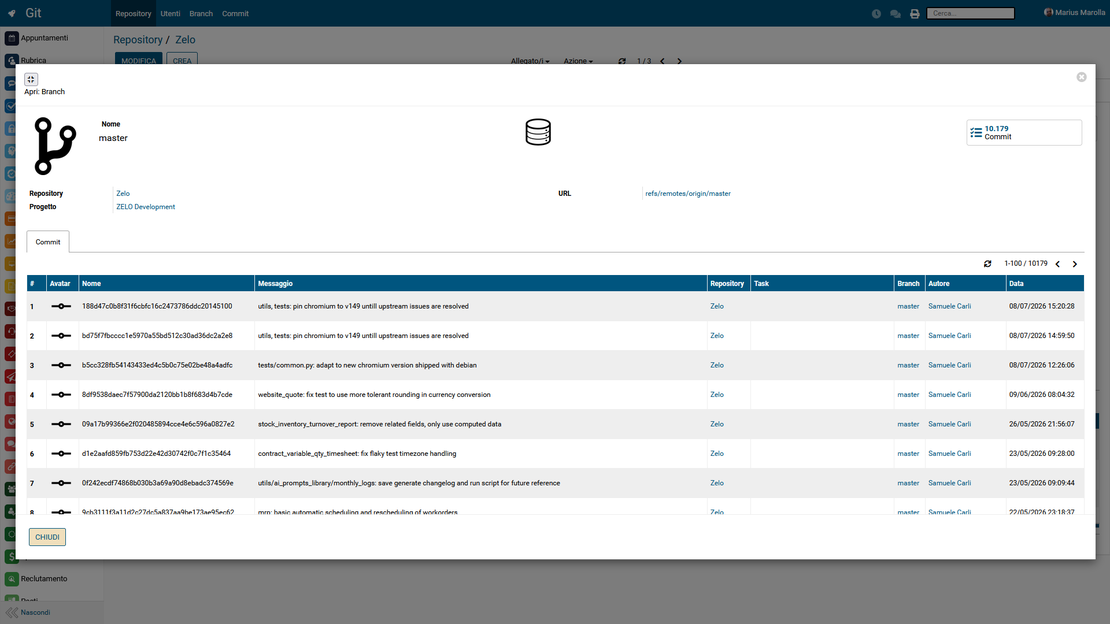
Zelo ERP Git module: repositories, branches and commits linked to projects and tasks

Every commit tied to its project

Code, activities, times and results in one view. You keep development under control, and clients receive reports and timelines they can verify.

Fewer scattered tools, more control over development

If you develop software or customizations for clients, you cannot afford “ghost” commits. The Git integration with project management in Zelo ERP links activities, code and times, so fewer errors, delays and disputes with clients and internal teams.

  • Link a Git repository to every project in Zelo
  • Associate commits with tasks for precise traceability
  • View one history that gathers activities and commits
  • Spot tasks without commits, and bottlenecks
  • Keep development aligned with business goals
Reports your clients can verify

Clients ask what was done, when and why. With Zelo ERP’s Git integration you answer with tasks, commits and recorded times instead of words. The working relationship comes out stronger.

  • Clear reports on completed activities and code
  • An intervention history always available and consultable
  • Fewer misunderstandings about timelines and requested changes
  • Concrete evidence of the value of the development
  • Greater confidence in the management of their projects

From Git integration to project monitoring

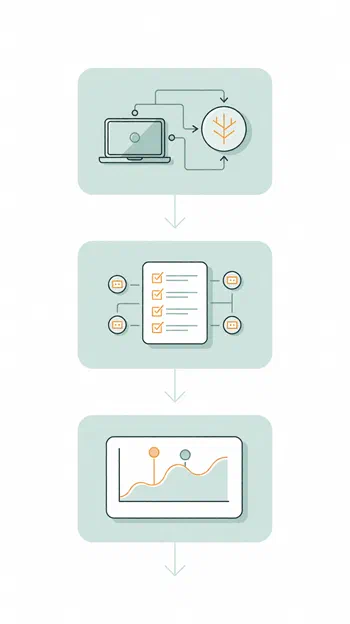
Three steps to link repositories and tasks, merge code and activities into one timeline and measure the progress of every commit.

1. Configure

Link your Git repository and select the branch to associate with the project in Zelo ERP. Setting up the Git integration with the management system takes a few clicks.

For each task, link one or more commits already made: activities and code stay aligned, and software project traceability in your company remains clear.

3. Monitor

Use the project management history and dashboards to compare planned progress, recorded activities and Git commits: more precise control over times and quality.

Zelo ERP Git module: the three steps Configure, Link and Monitor

Full
integration between Git and the management system

Zelo ERP integrates Git directly into project management: repositories and branches link to individual projects. Development and operational management share one environment, with no separate tools to juggle.

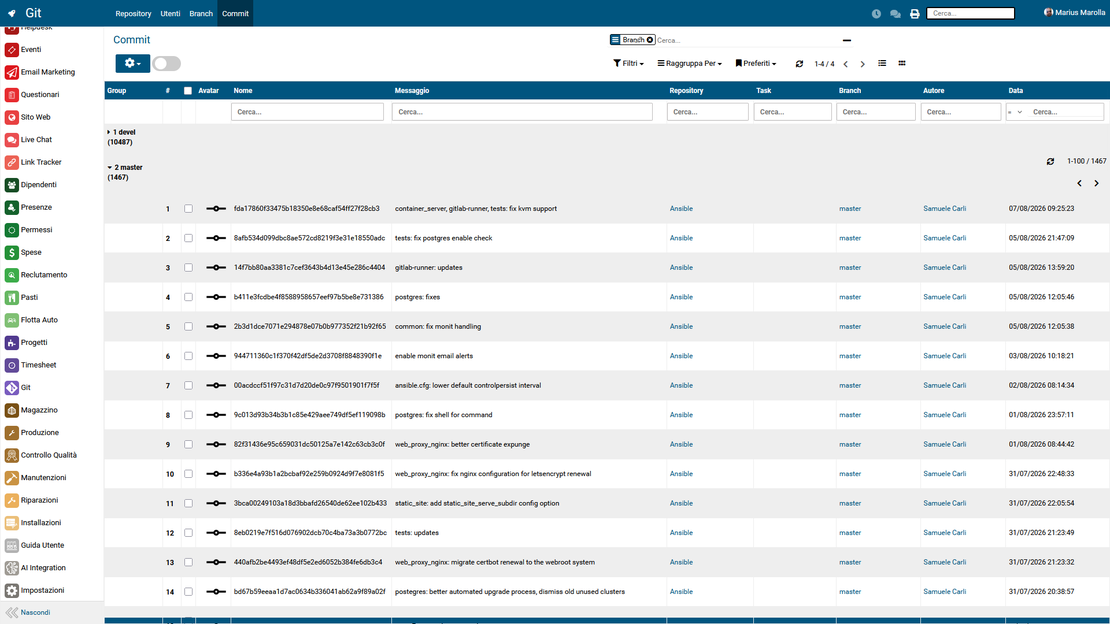
Git integration in Zelo ERP: repositories and commits tracked for each project
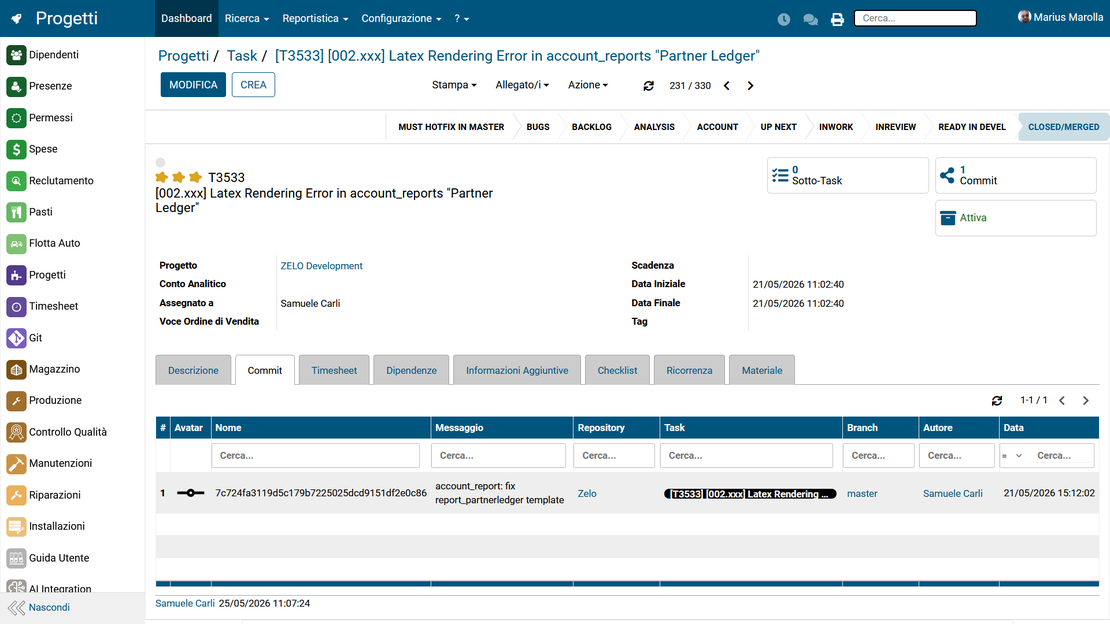
Traceability in Zelo ERP: project tasks linked to Git commits

End-to-end traceability of software projects

Each operational task is associated with one or more Git commits, so the link between activities and code is direct. You know what was done and why, and the traceability of software projects in your company becomes verifiable.

Clear screens for configuration and control

The system keeps one history that gathers activities, status changes and Git commits. All events appear on a single organized timeline, which makes it easier to follow how the project evolves over time.

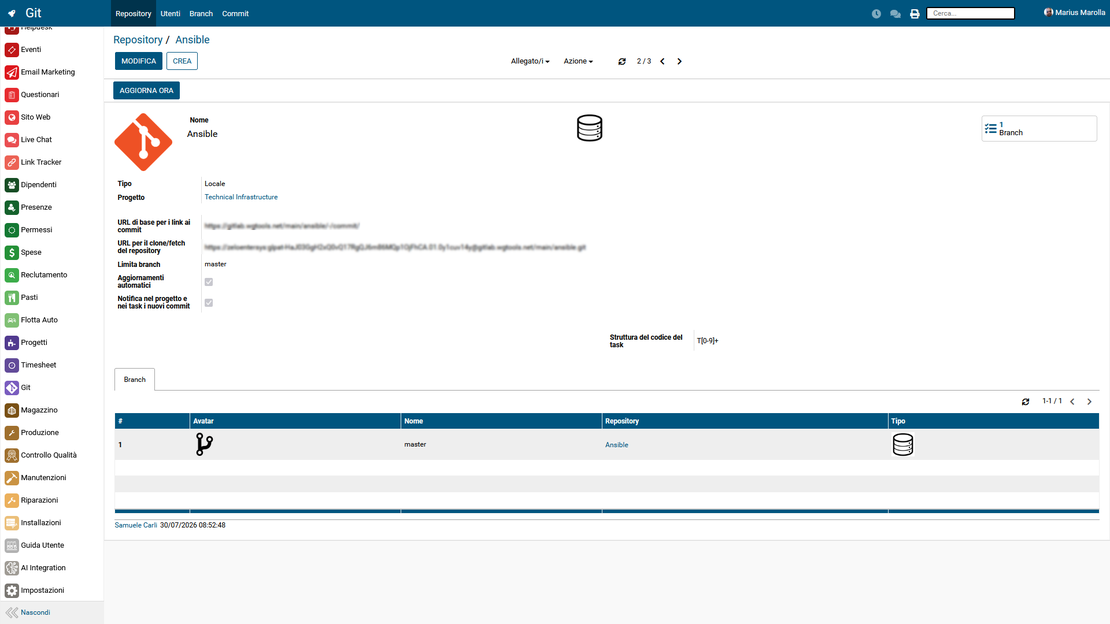
Git configuration in Zelo ERP: access to repositories in a few steps
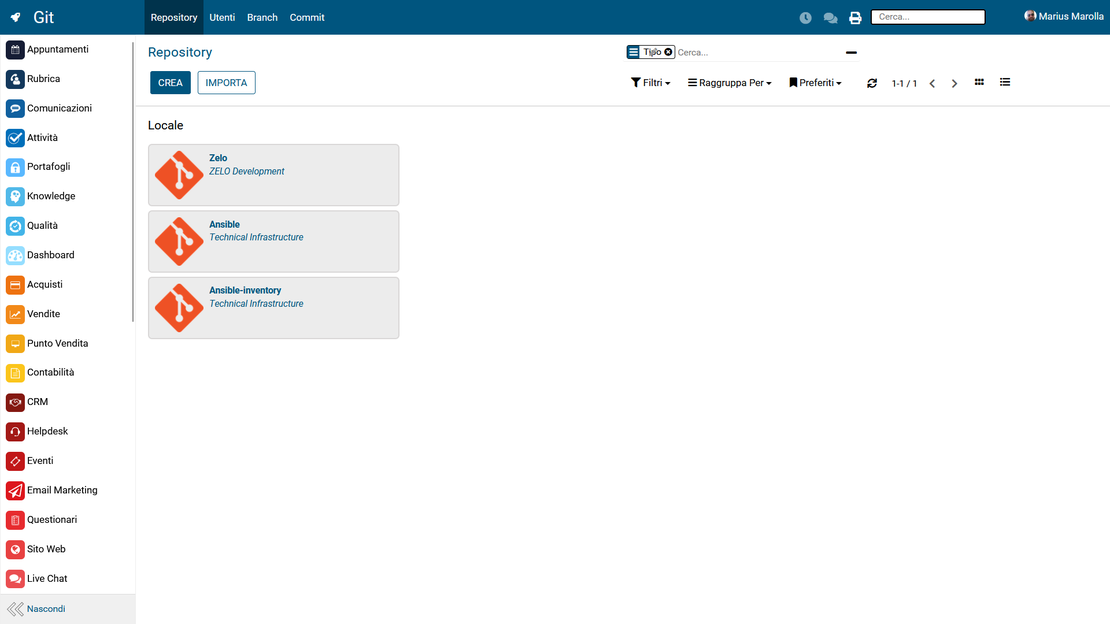
Git dashboard in Zelo ERP: monitoring of repositories and their usage

Overcoming tool fragmentation

The dashboards compare tasks and commits made, so you can check whether the planned work matches what was developed and set priorities on reliable data.

Support for development teams and management

Because Git lives inside the company management system, all information is in one place. The split between technical and management tools disappears, and project data stays organized and accessible.

Collaboration in Zelo ERP: tasks, progress stages and cost accounting of the projects

5 questions about the
Git Integration module

The questions we hear most often about how the module works.

Because managing code and activities in separate tools costs you time and clarity. Zelo ERP’s Git integration links repositories, branches and commits directly to projects and tasks, so every line of code has a context: which client, which request, at which stage it was developed. Communication errors between the technical team and management decrease, reports for clients get clearer, and nobody has to cross-reference Excel sheets, tickets and commit logs by hand anymore.

Software houses, web agencies and internal development teams are the natural fit, but any SME that uses Git to develop products, platforms or digital customizations benefits from it. If you manage client projects or complex internal projects, linking Git to the company management system keeps activities, code and business results together. Even organizations that are not strictly “IT” but have a development department get a single view on progress, costs, times and quality of the work done on the software.

Once the Git integration is configured, you link the project to its repository and branch. Then, for each task, you associate one or more commits, choosing them from the list retrieved from the repository. Every activity in the management system gets its technical references, and every commit is tied to a concrete request. You can see what was developed, by whom, when, and for which purpose. When you review the work, analyze impacts or show the client the value of the implemented changes, the answers are already there.

Git alone shows you the source code history, but says nothing about budget, times, priorities, clients or the reasons behind the changes. Integrated with Zelo ERP, it becomes part of a complete view: projects, tasks, hours worked, costs and commits in one project management tool. Planning, progress control, actuals and communication with clients all draw on the same data. You also cut the time lost searching for information across different tools, and passing work to new team members gets easier because the context travels with the code.

No. The procedure guides you step by step: enter the credentials or token, select the repository and branch to link to the project, and you are ready to use tasks with associated commits. After that, developers keep working in Git as they always did, while Zelo ERP becomes the reference point for overall project management. The technical team’s way of working is not disrupted, and traceability of software projects in your company improves anyway.

Tools integrated with the Git module

The Git module works together with the other tools in Zelo ERP.
No license costs by installed module, number of users or enabled workstations

call to action

Trace your software projects from commit to client report.

Talk to our Business Analysts: the first consultation is free and non-binding.
Request a free demo