Fast checkout at the point of sale, synced with inventory and accounting

The PoS module of Zelo ERP is the sales screen that records every cash transaction and passes it to inventory and accounting. It serves retail stores and restaurants alike, with orders and table management built in. At the end of the day it balances the register.

Request a free demo
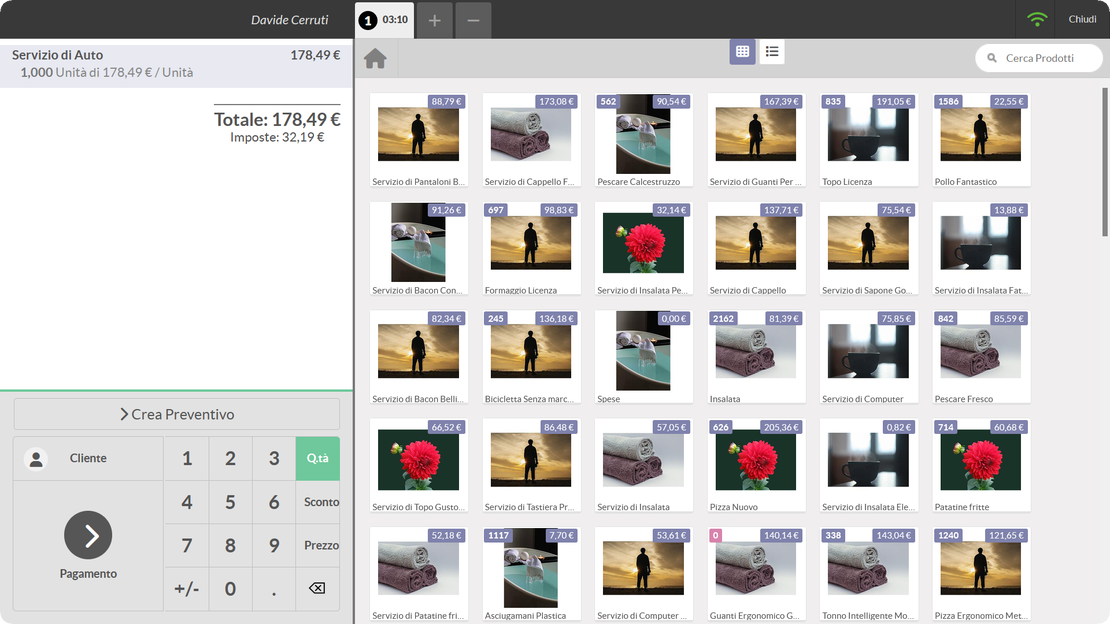
Zelo ERP point of sale screen with cash register, product catalog and payment entry

Fewer cash discrepancies across shifts and locations

Zelo ERP keeps the cash register, customer records and invoicing of your point of sale in one system. Payments are tracked, and the stock figures your staff sees are current at the moment of sale.

Payments tracked, register that balances at the end of the day

Cash discrepancies go down, invoices go out on request, and the handover between shifts and locations stays orderly. You keep control of the register without chasing numbers at closing time.

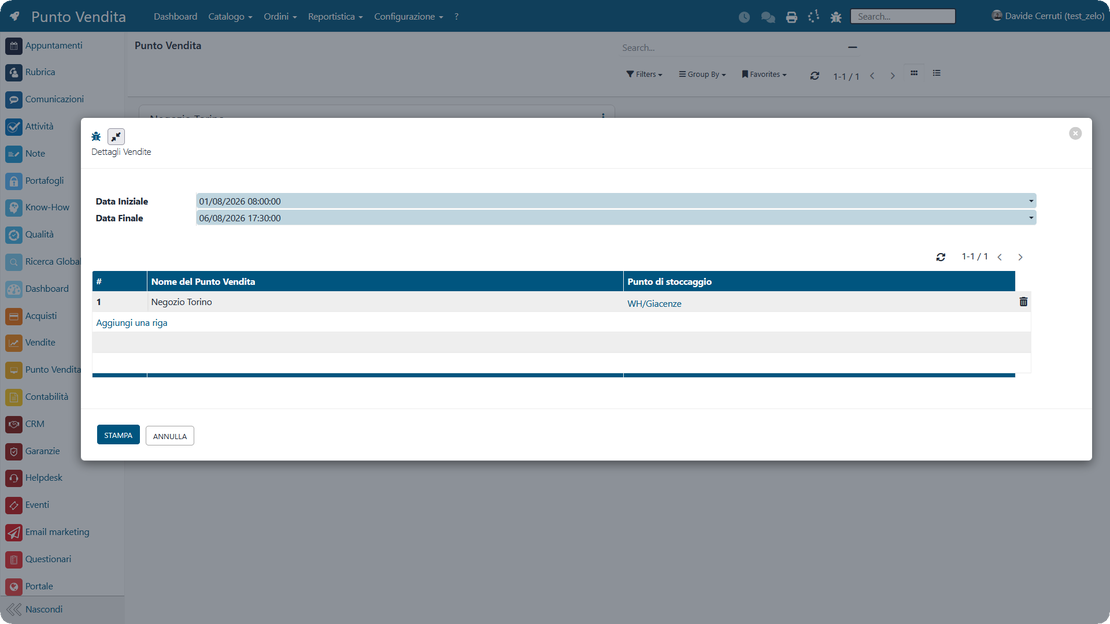
  • PoS sessions with guided open and close

  • Cash control with balance and differences

  • Invoicing directly from the PoS

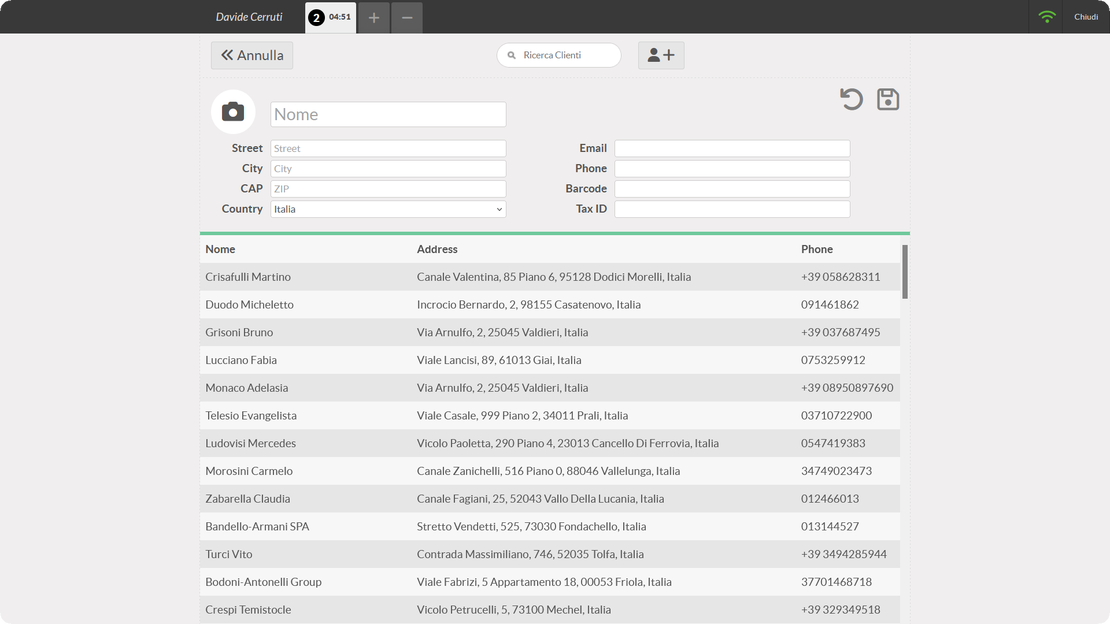
  • Customer management and selection during the sale

  • Barcode support for products and loyalty cards
Fast checkout and clear bills for your customers

A point of sale built for stores and retail speeds up checkout: queues get shorter and bills carry no surprises. The experience stays the same even when the operator changes or you open a new register.

  • Reduced queues at the register
  • Clear bills, without errors
  • Invoice on request, immediately
  • Simpler and faster payments
  • Smoother table management (restaurant)

Three steps from session open to cash close

Open the session with the starting balance, sell from catalog or by barcode, then close with the cash count. Zelo ERP updates inventory and accounting at every sale.

1. Open

Open the session of your point of sale and set the starting balance, so the register starts the day in order instead of from memory.

2. Sell

Select products from the catalog or scan the barcode, link the customer, and manage discounts and quantities. The point of sale software stays fast at peak times and even offline.

3. Close

Close the session with the cash count: compare the expected and actual balances, record any difference, and hand the register over ready for the next shift.

The three steps of a PoS session in Zelo ERP: open the register, sell, close with the cash count

Sales and Cash Register Automation

The sales cycle runs through one fast interface with monitored open and close sessions. Zelo ERP records every financial transaction, so cash control stays rigorous and the books balance at the end of the working day.

PoS cash register screen in Zelo ERP with session open and close, catalog and quick sales
Inventory synchronization in Zelo ERP: stock levels updated in real time at every sale from the PoS

Inventory Synchronization

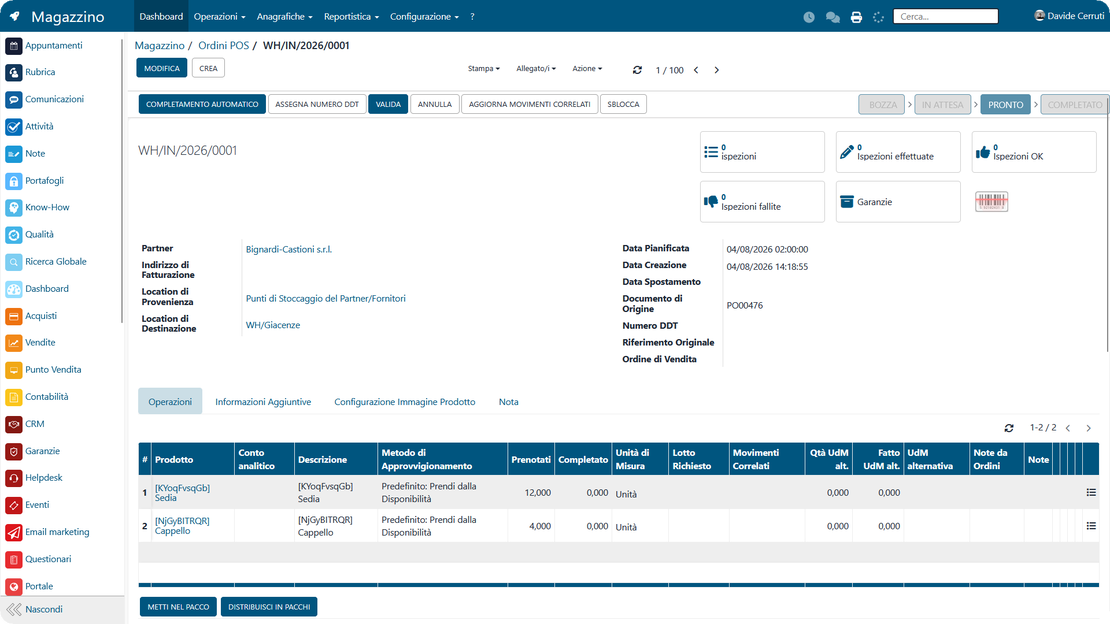
Each sale made from the PoS terminal generates an outbound movement in the inventory module, so stock levels update in real time. Physical stock and the figures in the central management software no longer drift apart.

Restaurant Features

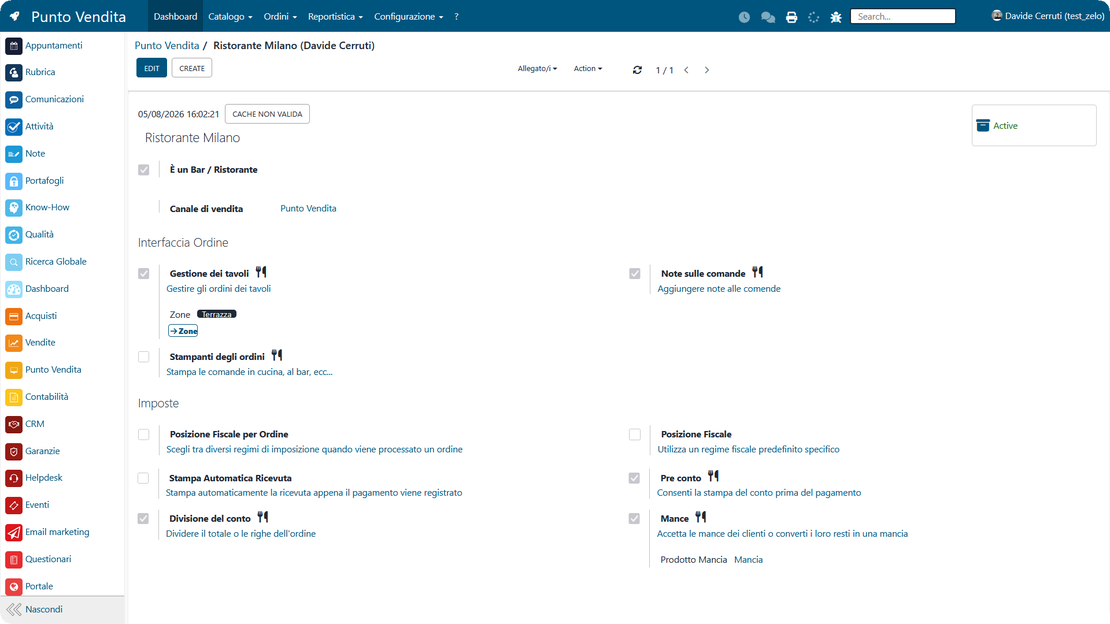
The module includes a graphical map of the dining rooms, orders sent straight to the kitchen printers, and bill splitting among customers. Tips and notes for each course are supported as well.

Restaurant PoS in Zelo ERP: dining room map, orders to the kitchen, bill splitting and tips
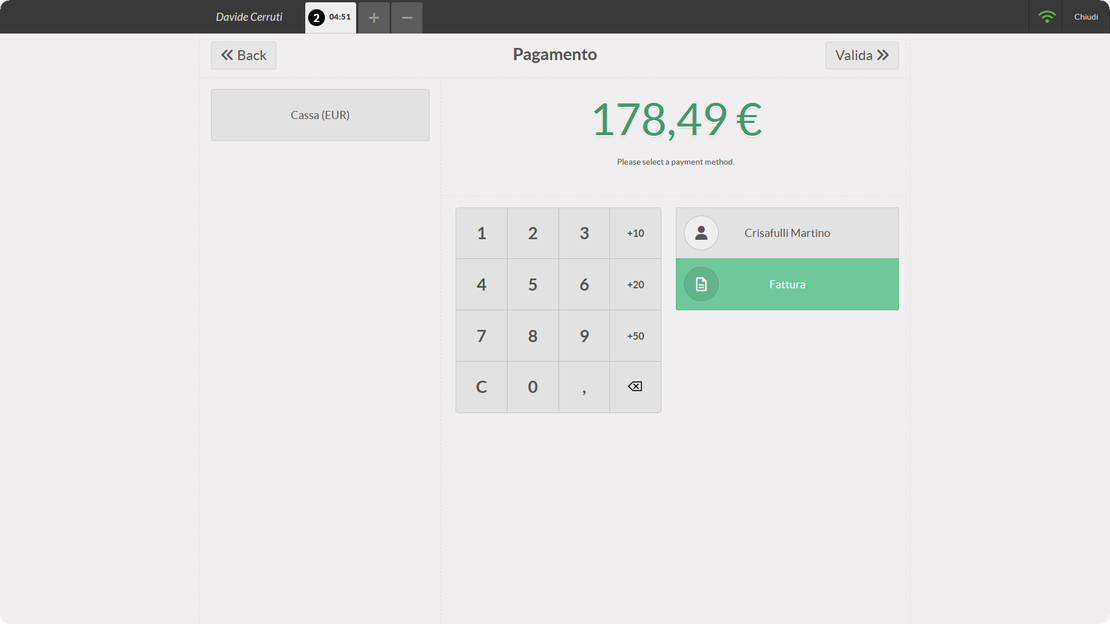
E-invoicing from the PoS in Zelo ERP: receipts and invoices prefilled with customer data

Invoicing and Tax Compliance

The tool issues receipts and e-invoices on the spot and talks directly to telematic cash registers and tax systems. Zelo ERP records every document in the accounting module automatically, so compliance never depends on someone remembering a manual step.

Loyalty and CRM

The integrated customer database recognizes buyers instantly via loyalty cards or barcodes, and applies their custom price lists and discounts. Everything collected during the sale feeds the CRM, where it becomes behavioral analysis and targeted marketing campaigns.

Loyalty and CRM in the Zelo ERP point of sale: loyalty cards, custom price lists, customer history
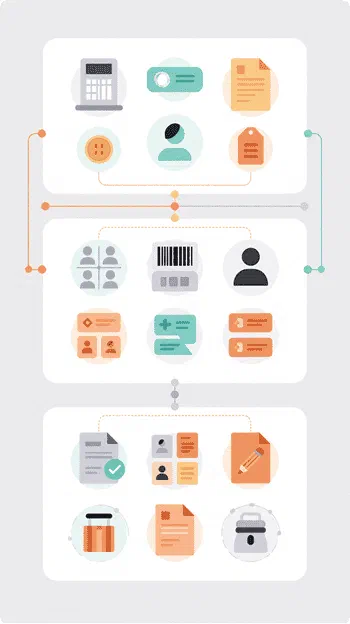
PoS integrated into the backend of Zelo ERP: accounting entries, inventory movements, cash control

Integrated Ecosystem

The PoS exchanges data with the accounting, e-commerce and reporting modules, and everything lands in a single database. From there you can run statistics on the performance of each point of sale and each cash operator.

5 questions about the
Point of Sale module

Answers to the questions we hear most about features, integrations and costs.

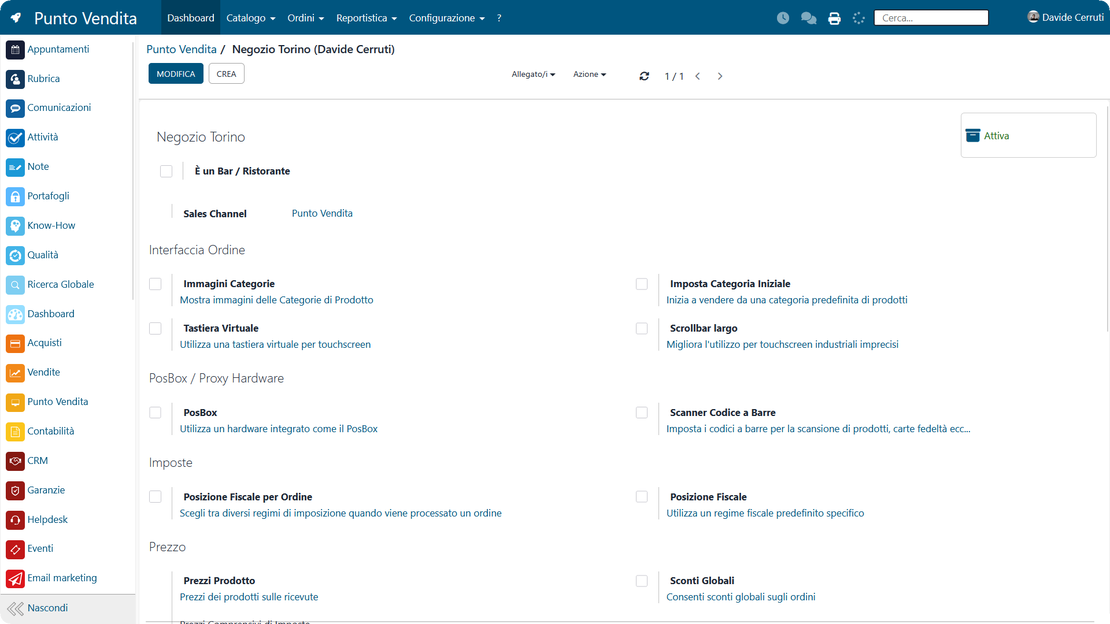
Yes. In Zelo you can create and configure as many points of sale as you need and run them in sessions. Each one has its own settings (payment methods, cash control, price lists, and so on), and you can start, restart or close the sessions from the dashboard.

Yes. The session shows the opening balance, the transactions, the expected closing balance and the actual balance, with any difference highlighted. You can also make cash deposits and withdrawals to reconcile and close in a way that leaves a trace.

Yes. Once invoicing is enabled in the point of sale settings, you select the invoice option during payment. The customer’s request is handled without leaving the sales flow.

Yes. Setting the point of sale as Bar/Restaurant turns on the dedicated features: table management with floors and floor plans, order printing to the kitchen or bar through the configured printers, bill printing and bill splitting.

Yes. The point of sale settings include a barcode scanner option that works for products and loyalty cards alike. Sales get faster and there are fewer typing errors.

Tools that work with the
Point of Sale in Zelo ERP

See everything that comes integrated with Zelo ERP.
No license costs by module, by user or by workstation

call to action

A cash register that runs fast, sales that sync in real time

Connect point of sale management (POS) to inventory and accounting in a single flow. See how it simplifies payment collection with a free guided demo.
Request your free demo