Inspections and non-conformity tracking, from purchasing to production

The Zelo ERP Quality Control module plans and runs inspections from purchasing to production. Test results, non-conformities and corrective actions are recorded against the product, batch or supplier they concern.

Request a free demo
The Zelo ERP Quality Control module: control plans, inbound and production tests, non-conformities

Less scrap and fewer returns, with deliveries your customers can count on

Quality checks in Zelo ERP catch defects before they leave your plant. The result is less scrap and rework, and fewer returns: your customers get the same consistent quality in every delivery.

Non-conformities on record, corrective actions you can measure

In Zelo ERP, quality control is tied to the daily flow of purchasing and production. Non-conformities are on record, corrective actions have owners and deadlines, and the accumulated history shows which processes and suppliers need work.

  • Control plans defined per product or supplier
  • Quantitative and qualitative tests, both fully configurable
  • Corporate non-conformities logged as soon as they are found
  • Corrective and preventive actions attached to each problem
  • Historical analysis to improve production processes
Compliant deliveries that earn customer trust

Structured checks catch defects before they reach the customer, so returns and disputes drop. Every batch meets the same standard, and if a customer does complain, the inspection records are there to answer with.

  • Fewer defects and returns on delivered goods
  • The same quality standard across batches and orders
  • Traceability you can show when a customer complains
  • Documented answers ready for customer inspections
  • The reputation of a company that checks its work

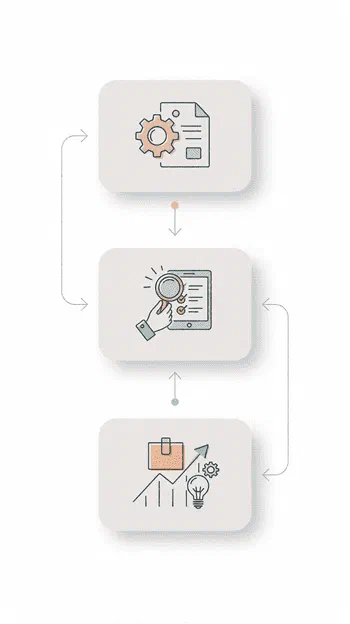
Quality Control in three phases

Define the inspection plans, monitor operations as they happen, then use the collected data to improve processes and suppliers.

1. Configure

Set up control plans for inbound goods and production. For each plan you choose the products or suppliers to check, the tests to run, quantitative or qualitative, and the inspection levels and compliance parameters.

2. Monitor

Run the checks without leaving the inventory or production workflows. Results, measurements and corporate non-conformities are recorded as the inspection happens.

3. Improve

Analyze results, non-conformities and corrective actions to see where defects come from, and improve processes and suppliers from there.

The three phases of the Zelo ERP Quality Control workflow: configure, monitor, improve

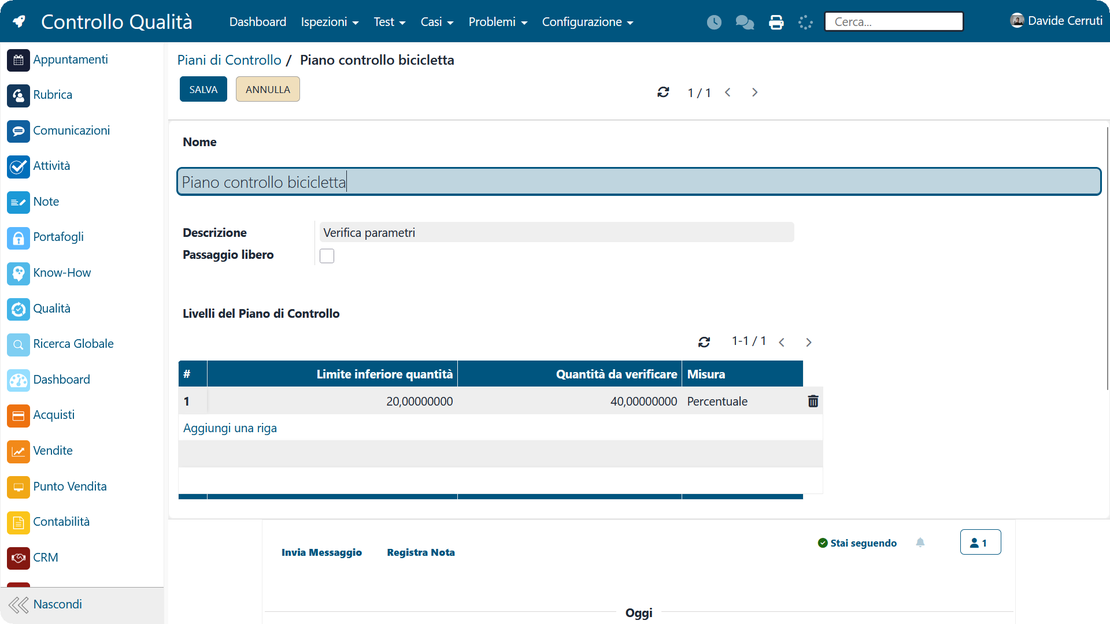
Structured control plans

Set up control plans for inbound goods and for each production stage. You decide when inspections run and which checks apply, based on product or supplier, so the same rules apply every time.

Setting up a quality control plan in Zelo ERP: inspection frequency per product and supplier
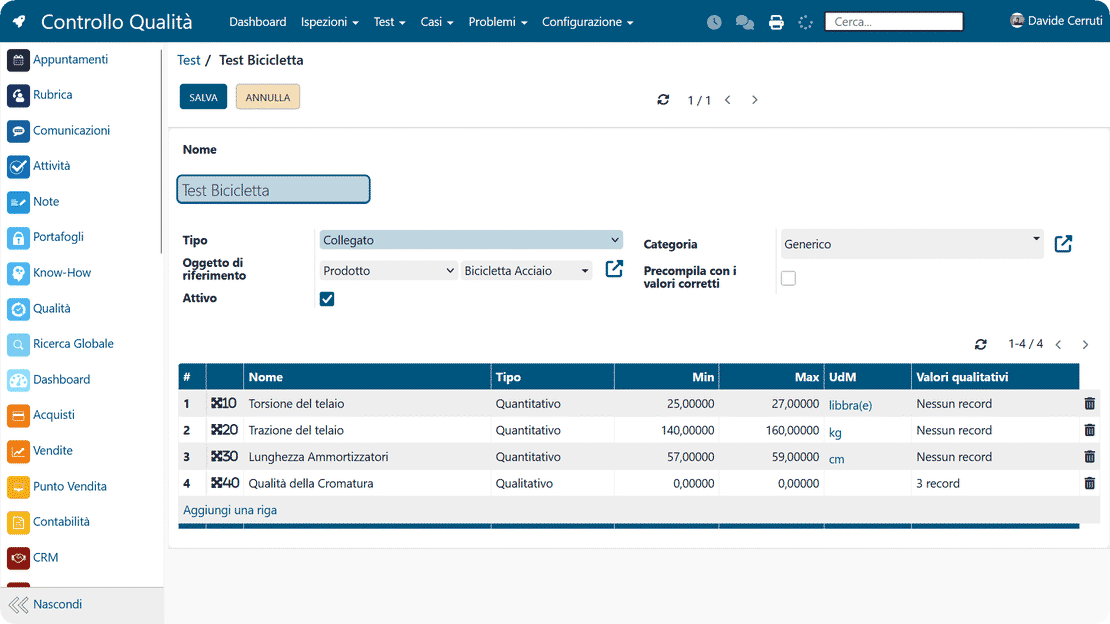
Compliance parameters in Zelo ERP: tolerances and acceptance thresholds for quantitative and qualitative tests

Compliance parameters

Tolerances and acceptance criteria are defined for each test, and inspection levels are standardized across the company. Whoever runs the check, the results get judged by the same rules.

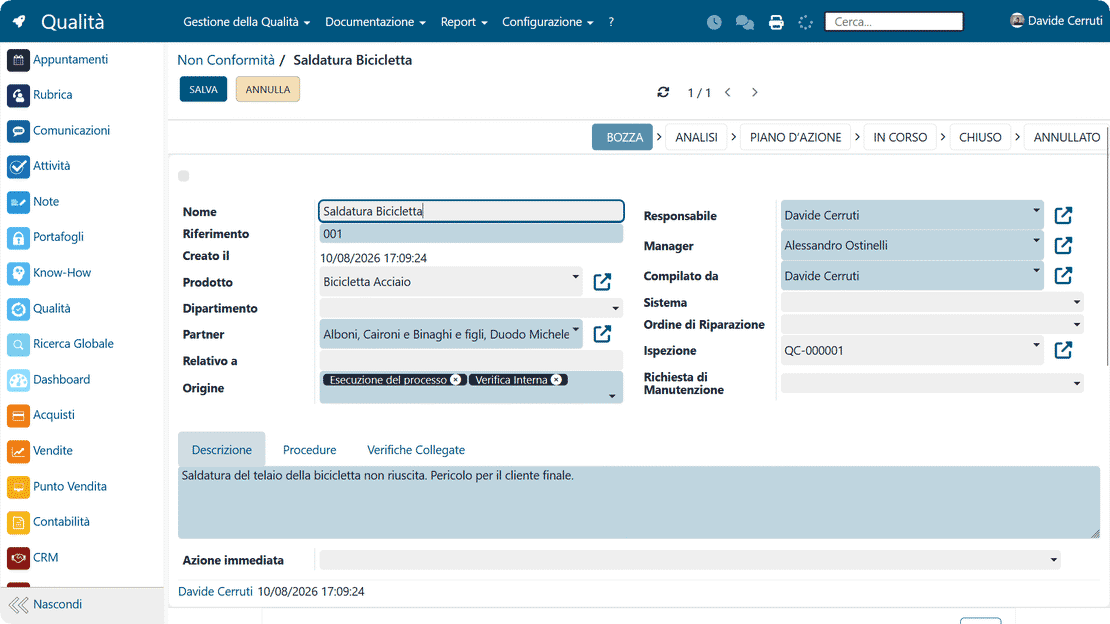
Managing corporate non-conformities

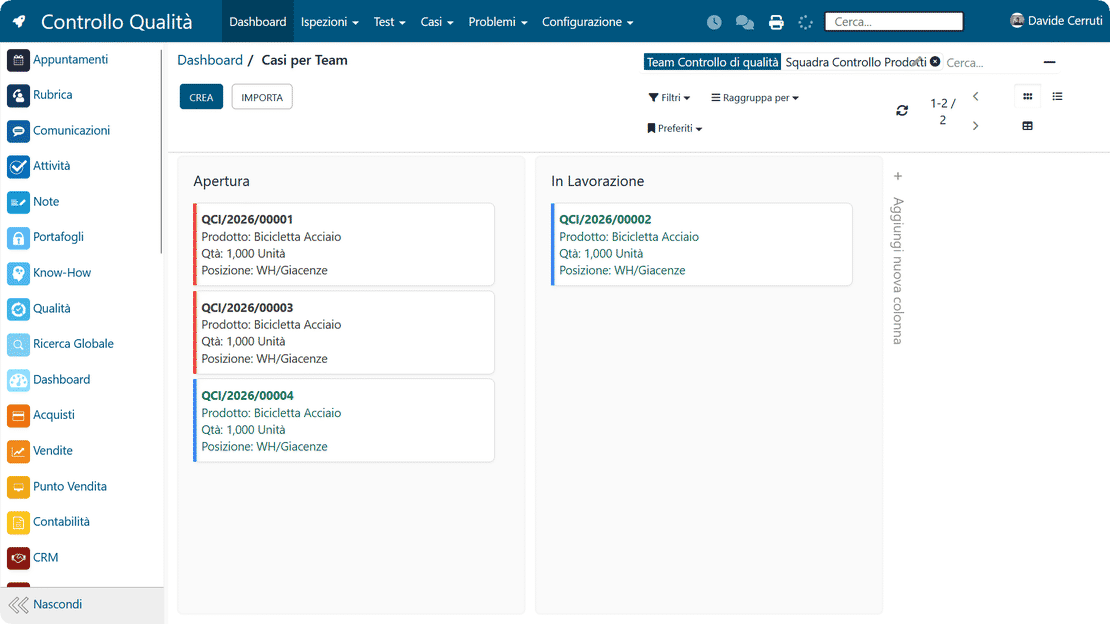
Record defects and anomalies during inspections and processing. Each non-conformity links to its batch, product, supplier and production order, giving you full traceability for analysis and verification.

A non-conformity recorded in Zelo ERP during an inspection, linked to its batch, product and supplier
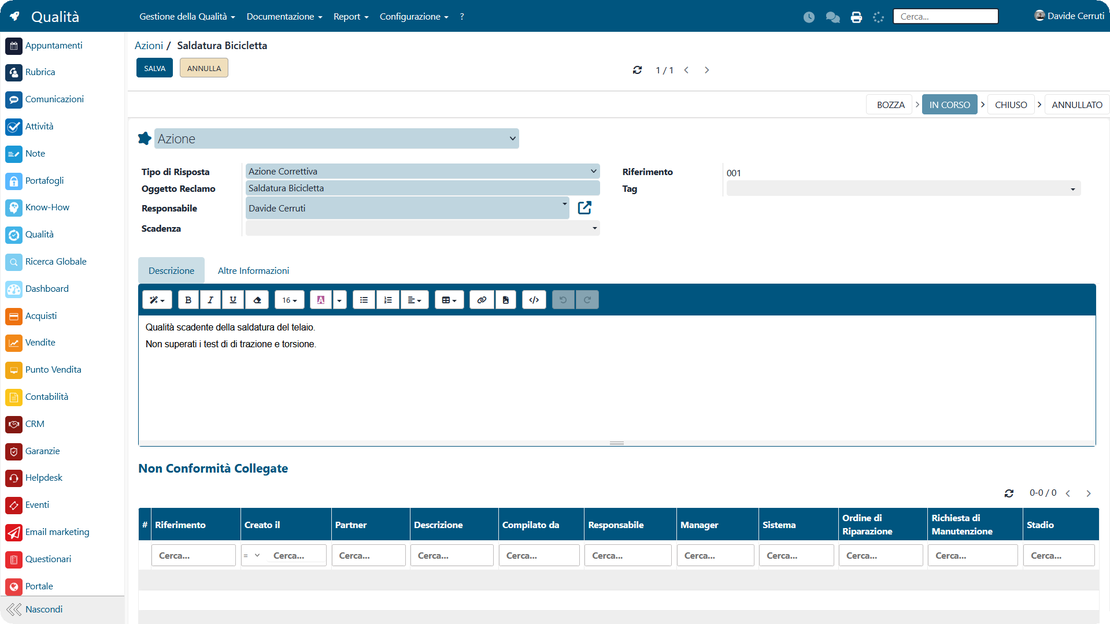
Corrective and preventive actions in Zelo ERP with owner, deadline and progress for each one

Corrective and preventive actions

For each anomaly you plan the intervention, assign an owner and a deadline, and track progress as work proceeds. Problems that get a documented response tend not to come back.

Quality Control integrated with production

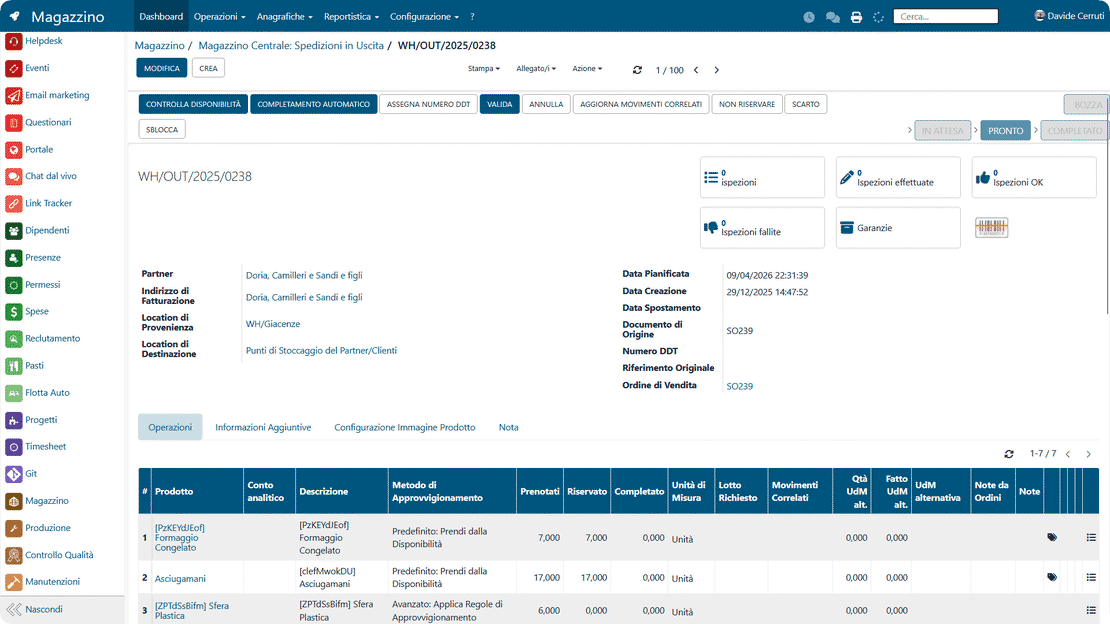
Inspections run inside the production and inventory processes, so results and non-conformities sit in the same flow as the work, with no duplicated data. Quality management stays consistent across the whole internal supply chain.

Quality control in Zelo ERP integrated with production orders and inventory movements

5 questions about the
Quality Control module

How the module works, what it integrates with and what it costs.

Yes. The module is built for micro, small and medium-sized companies that still manage quality control with Excel spreadsheets or paper forms. You can start small, with a few control plans for critical suppliers and basic tests on your most critical products, and extend the configuration over time. Because it shares data with production and inventory, you work on a single source of information, with no duplicate entry and fewer manual errors.

Yes. You can configure separate control plans for inbound goods and for checks during production. Each plan defines where the inspection takes place, which tests run, which compliance parameters apply and who is responsible. This way you keep an eye on both supplier quality and the quality of your internal process, with a complete view of corporate non-conformities.

Every non-conformity can be recorded and linked to a product, supplier, production order or batch. You classify the problem, rate its severity, attach notes or documents, and above all assign corrective and preventive actions with owners and deadlines. That is what turns a log of problems into an actual continuous improvement process for quality.

Yes. If you use production routings and processing orders, you can attach quality checks to the individual steps of the process. You can set up specific checks on particular operations or work centers, and record results and non-conformities in the right operational context. This shows where defects actually arise, improves efficiency and quality, and involves the production departments in quality management.

Implementation can be gradual. It starts with an analysis of how you manage quality today, then together you define the first plans, tests and compliance parameters. Next come the integrations with production, inventory and purchasing, and with CRM too if you want customer complaints linked to corporate non-conformities. The interfaces stay close to the operational language of small businesses, so staff can be trained quickly.

Tools integrated with
Quality Control

Every tool works with the others inside Zelo ERP.
No license costs per installed module, per user or per enabled workstation

call to action

Quality plans and tracked non-conformities across your production chain

Request a personalized analysis with our experts to cut production errors
Book your free analysis