Configure roles, permissions and documents in your ERP management suite

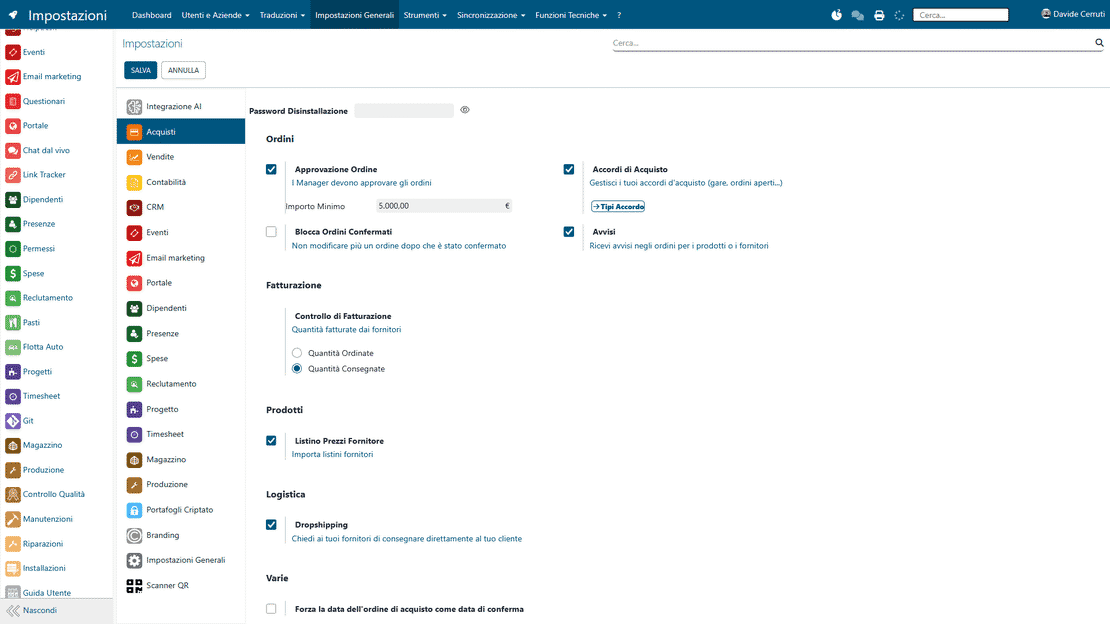
The Settings area configures the whole ERP management suite: company data, roles, permissions, document templates and user preferences. It is the one place where you adapt the system to the way your Italian small or mid-sized business works.

Request a free demo
The Settings module of Zelo ERP: manage roles, user permissions and document templates

A system that fits your company and your customers

Configure roles, permissions, company data and document layouts in one place. Errors drop, and the service your customers receive becomes more precise and professional.

One configuration point, fewer operational errors

The system settings of Zelo ERP keep roles and permissions, company data and document templates in one place. Wrong access rights and repeated technical interventions drop, and the ERP management suite stays aligned with the way you work.

  • Complete management of ERP user roles and permissions.
  • Centralized configuration of company and tax data.
  • Customizable company document templates in various formats
  • Flexible user preferences, kept under administrative control.
  • General ERP settings designed for Italian SMEs.
The precision your customers notice every day

When configuration is solid, internal processes run without hiccups. Whoever needs to act has the right access, documents go out correctly and on time, and customers experience a service that is precise, reliable and professional.

  • Documents that are always correct and consistent.
  • Faster response times to requests.
  • Fewer administrative errors visible to the customer.
  • Up-to-date information on orders and invoices.
  • A coordinated team that speaks with one voice.

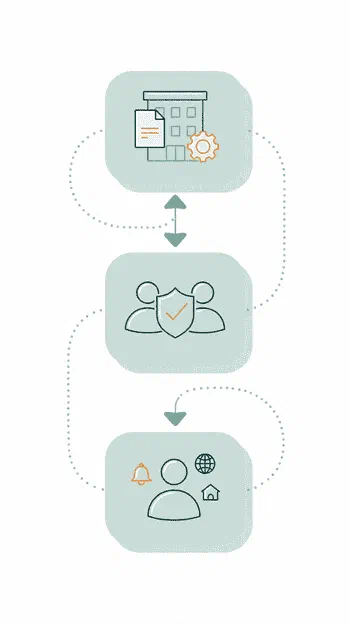
Configure the system in three steps

Company data first, then permissions, then individual preferences: a guided sequence that gets the management suite operational and consistent with your processes.

1. Configure

Set company data, document layout, system language and the general options of the Zelo ERP management suite so it matches the way your business works.

2. Assign

Define ERP user roles and permissions, and decide who can view, modify or approve in each area: sales, purchasing, accounting, inventory, CRM.

3. Customize

Let each user set their preferences, homepage, notifications and working language. Central control of the company ERP settings stays with the administrator.

The three configuration steps of the Zelo ERP Settings module: Configure, Assign and Customize

Access and role control

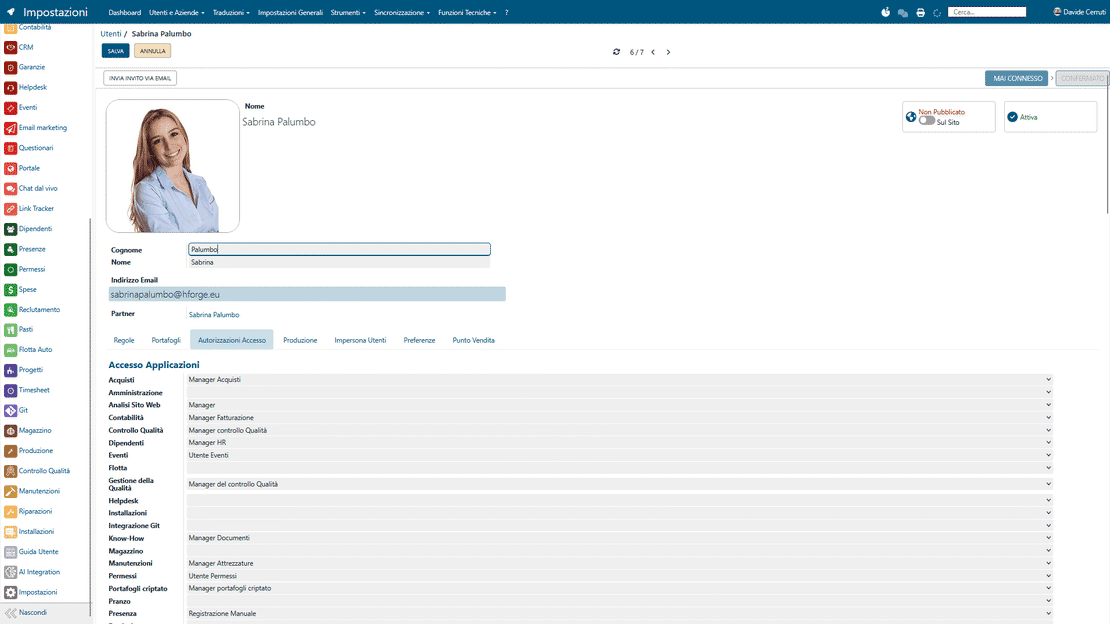
This area defines the authorization level of every user of the ERP management suite. Each role only accesses the modules it needs, so operational errors drop and control over company activity improves.

Roles and permissions in Zelo ERP: authorization levels assigned to each user
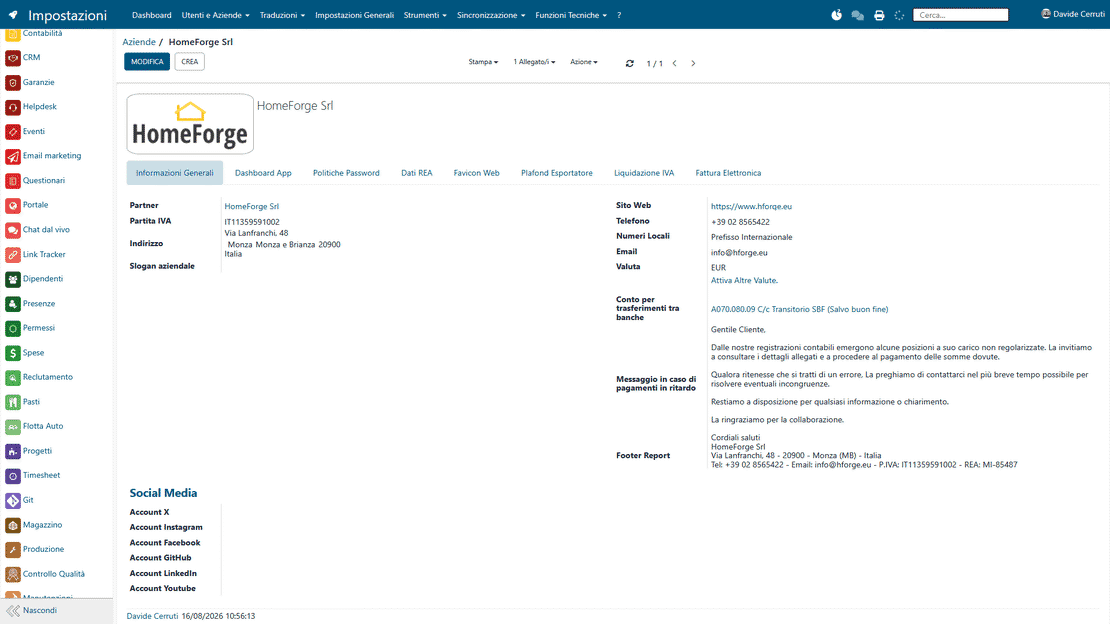
Company master data in Zelo ERP: tax data, logo and contact details

Centralized company master data

All the official company information sits in a single section: logo, tax data, addresses and contact details used in your documents. It propagates automatically across the whole ERP management suite, always consistent and up to date.

Document and layout customization

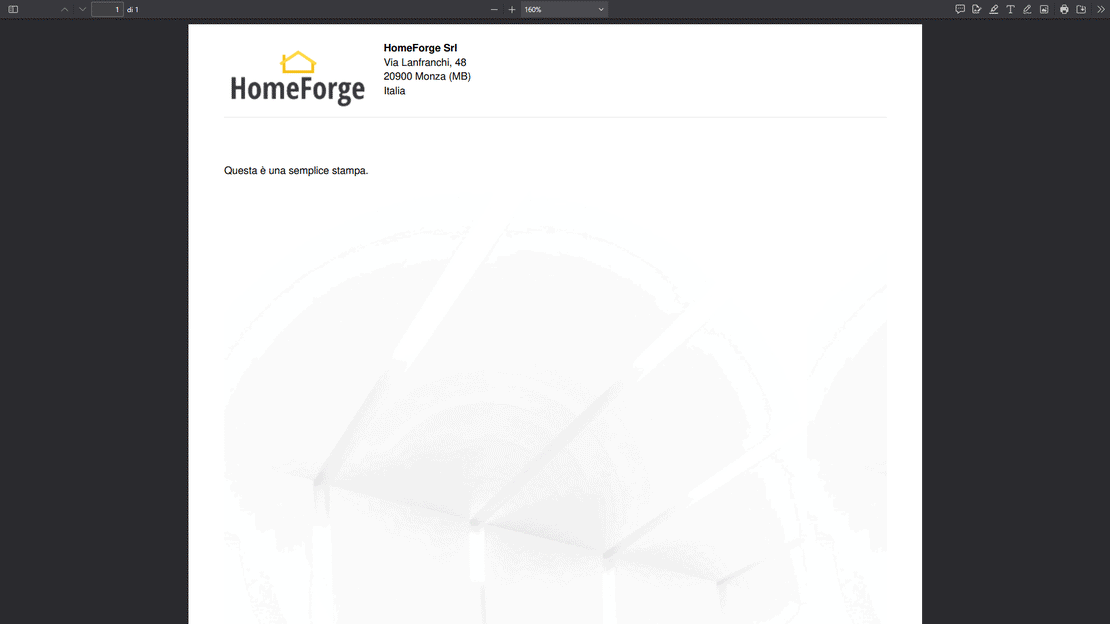
Company document templates and formats are configured in a single area. Every quote, order or invoice follows the defined standard, with less manual intervention and uniform company communication.

Document templates in Zelo ERP: layouts for invoices, quotes and emails
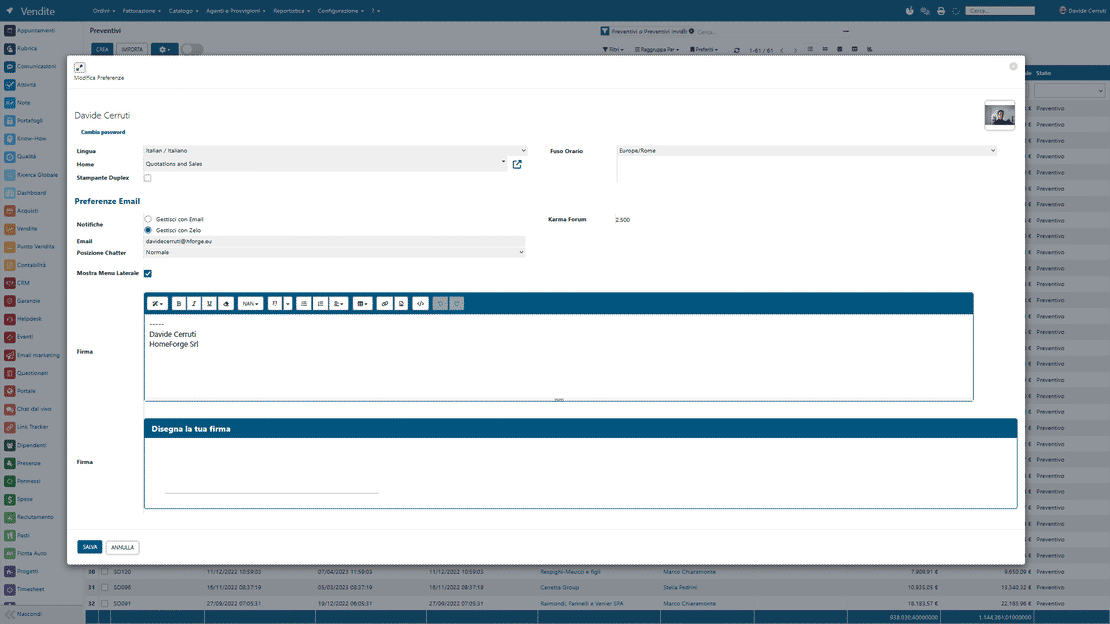
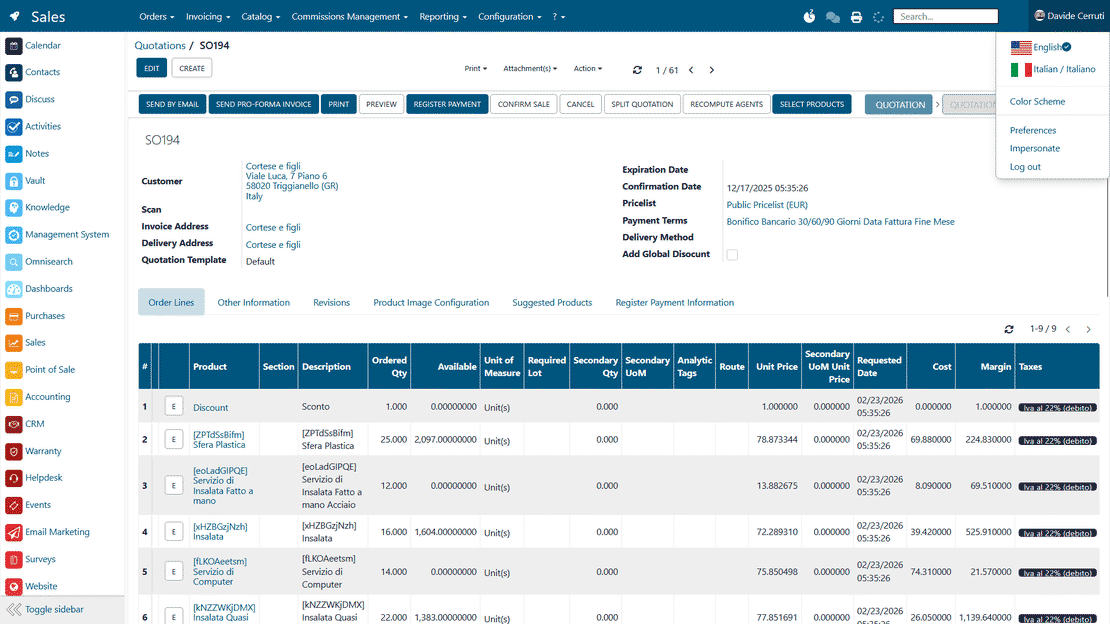
User preferences in Zelo ERP: language, notifications, time zone and homepage

Individual user preferences

Each user sets their language, homepage and notifications on their own. Personalization improves daily use, while central control stays on the main settings.

Advanced technical configuration

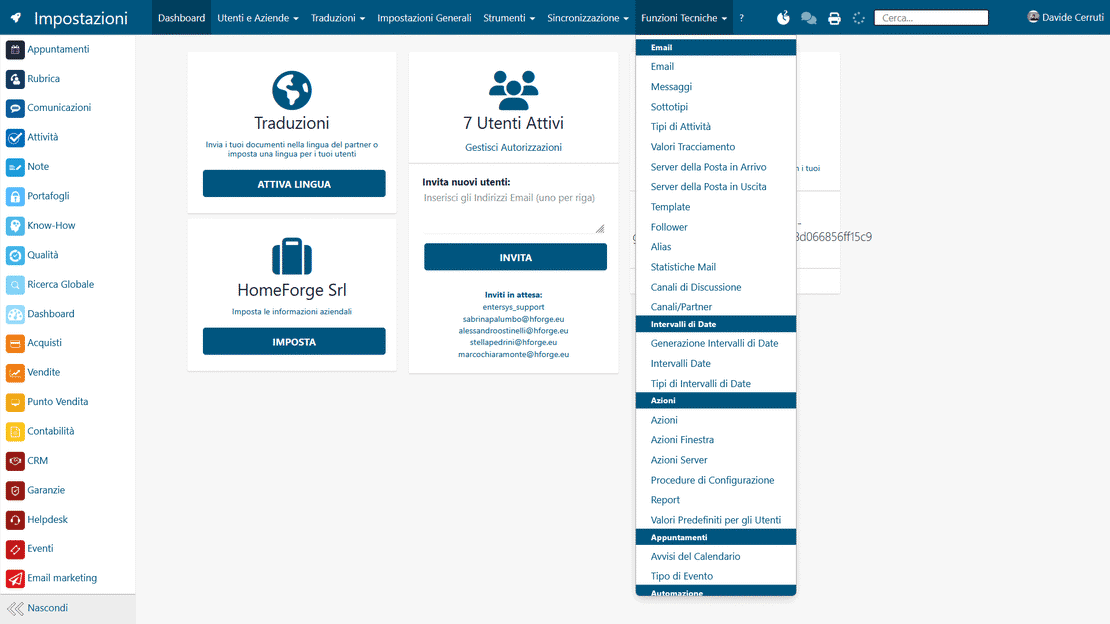
The area includes tools to manage mail servers, translations and data imports, plus sequences, technical parameters and system logic. It covers even complex operational needs without leaving the ERP management suite.

Technical settings in Zelo ERP: mail servers, translations and data imports
Module integration in Zelo ERP: consistent settings across CRM, sales and accounting

Operational module integration

Settings carry over to CRM, sales, purchasing and accounting. Every configuration is consistent across the modules of the system, so company management runs without interruptions.

5 questions on the
General Settings module of Zelo ERP

Answers to the most frequent questions on features, integrations and costs.

Mainly the system administrator or a designated internal figure (IT, administrative manager, management) who takes care of the company ERP configuration. Here you define the roles for each area of the ERP management suite (sales, purchasing, accounting, inventory, CRM, projects), plus company data, document templates and many technical settings. The other users work on the operational features; only people with administrative permissions can touch these central settings. That keeps the risk of unintended changes with effects across the whole system low.

Yes. Permissions in Zelo ERP are very granular. You can decide that only the system administrator has full access to the settings, while other area managers handle the local configurations of their own modules. This approach works well for Italian small businesses: the critical settings (company data, security, document layouts) stay under centralized control, and sales, purchasing or accounting can still customize what they need for their daily work.

They do. In the Zelo ERP settings you configure paper format, document templates, headers and the company data that appear on quotes, orders and invoices. Once the company profile and the correct layout are defined, every generated document is graphically consistent and up to date, with no manual work on each file. For a small Italian business this means fewer formal errors, a more professional image towards customers and suppliers, and significant time saved on repetitive operations.

Yes. Through each user’s profile you can set language, time zone, default homepage, notifications and the position of the menu or the chatter. Users can also open their own preferences menu and change some settings themselves, without touching the central company ERP configuration. This is useful in companies with mixed teams or external collaborators: everyone works in the ERP management suite the way they prefer, and the administrator keeps control over roles, permissions and critical system data.

The initial configuration requires care, but it is not reserved for technicians. The Zelo ERP interface guides the administrator step by step: first the company data and document templates, then user permissions, and finally the general preferences. For Italian small businesses it is a balanced solution: the power of a complete ERP management suite, with clear menus, readable tables and internal explanations. Once the structure of roles and permissions is set up correctly, daily activities get simpler and you only need small adjustments when new colleagues join or processes change.

Tools integrated with the
General Settings of Zelo ERP

Discover all the tools integrated in Zelo ERP.
No licensing cost, for installed modules, for number of users or for enabled workstations

call to action

Adapt the management suite to your processes, not the other way around.

A free consultation with our Business Analysts.
Request a free demo