Without centralized warranty management you risk disputes and eroded margins. With Zelo ERP every product sold has its warranty tracked: check it in a couple of clicks and cut the time spent on verification and the cost of support.
Every warranty tracked by serial, batch and customer
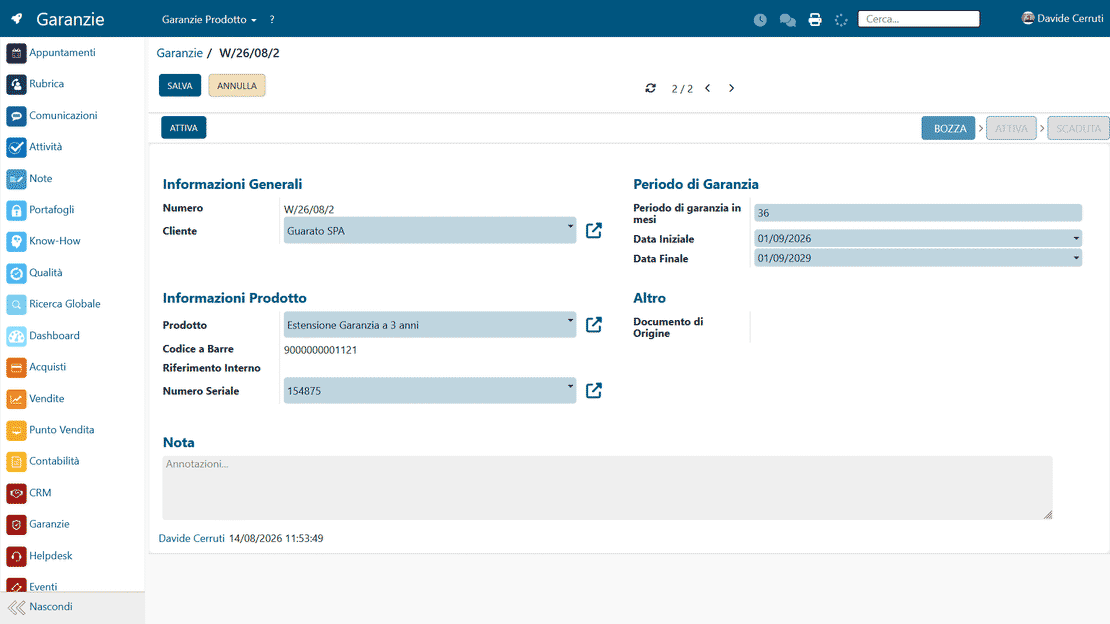
The Warranty Management module connects sales data with technical support: when the goods are delivered, Zelo creates the warranty card with customer, product, serial and coverage dates. Expiries, extensions and interventions stay in the system, ready when the customer calls.
Request a free demo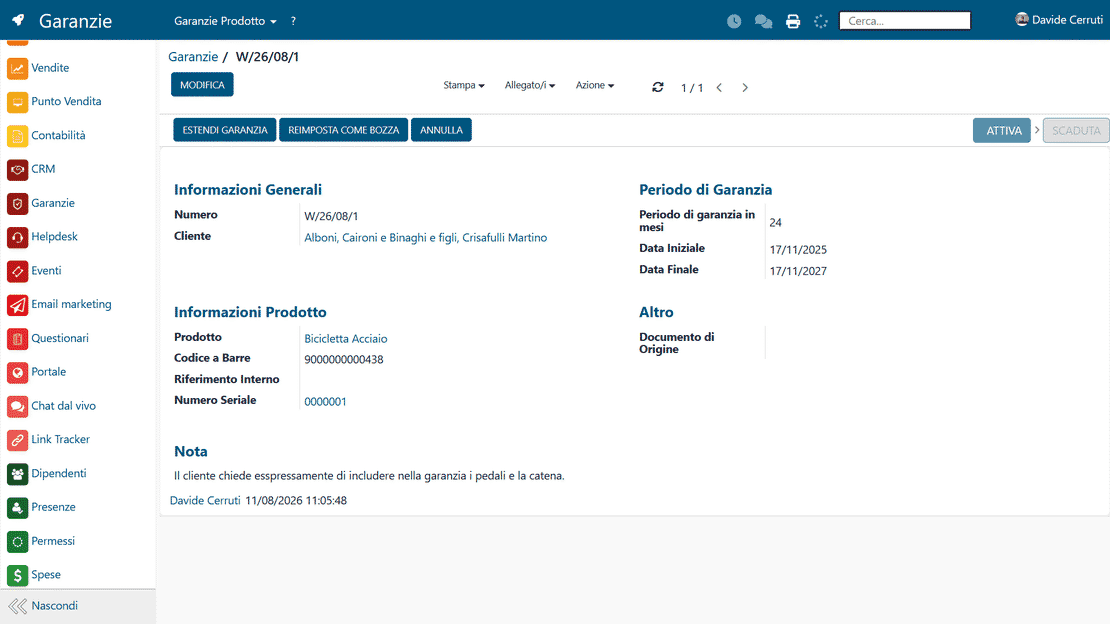
Warranty checks in a few clicks for you,
immediate answers for the customer
When a customer calls, you find the coverage, dates and history right away and give an answer on repair or replacement without bouncing between offices. Verification time drops, and so do support costs.
Every warranty verifiable in a few clicks, from the first conversation
Quick answers on warranty status during the call
When a customer asks for support, having the warranty status of what they bought at hand matters. With Zelo ERP you answer immediately with the facts: the customer gets a decision on repair or replacement, and you skip the back-and-forth between sales and administration.
- Immediate warranty checks while you are still on the call
- Fewer back-and-forths between the sales office and administration
- Faster decisions on repairs and replacements
- Intervention and complaint history always under control
- Customers perceive an organized, reliable support service
Three simple steps for warranty control
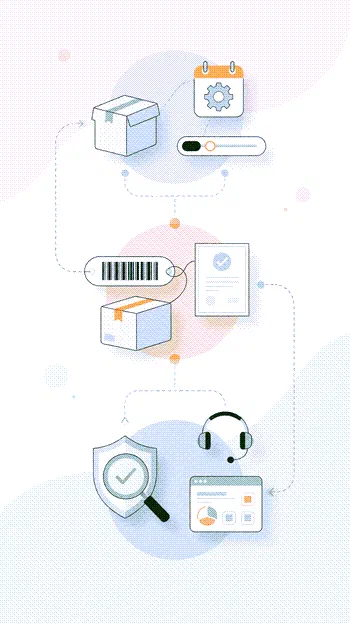
From product setup to the sale and post-sale tracking, Zelo ERP follows every company warranty through its whole lifecycle.
1. Configure
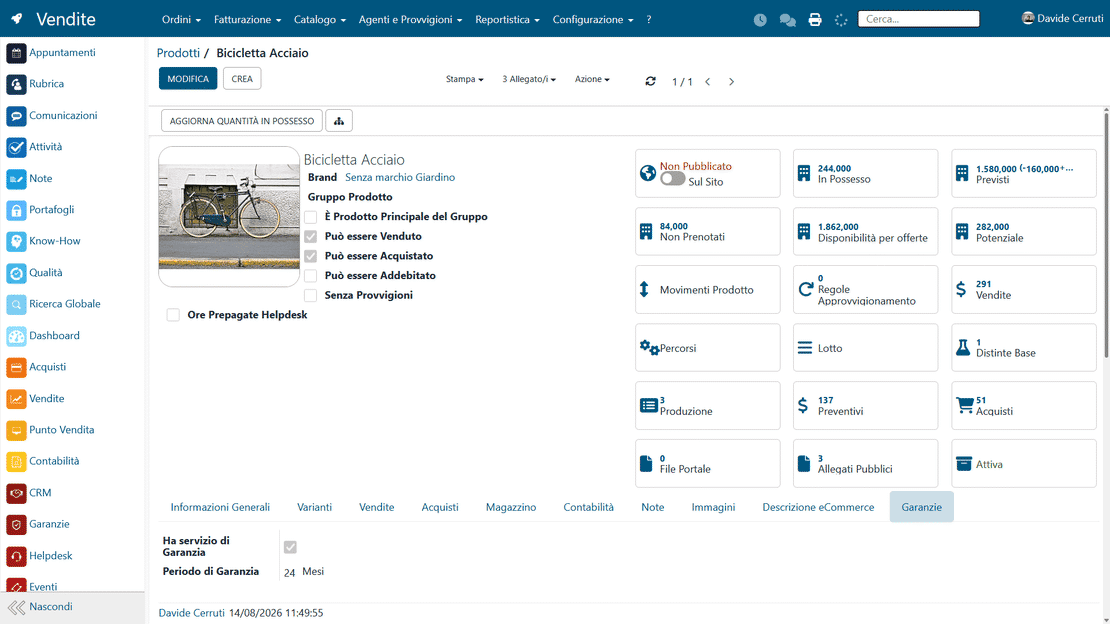
Set the warranty duration in months on the product and Zelo ERP is ready to generate everything automatically.
2. Sell
Upon delivery of the goods, Zelo creates the warranty with customer, product, serial, dates and source document.
3. Track
From CRM, complaints or the helpdesk, check the warranty status of the products sold and decide on the spot how to act.
Automatic Activation
When a delivery note or sales invoice is issued, Zelo generates the coverage card with no manual post-sale entry. Each record carries the customer reference, the start date and the linked tax documents.
Full Traceability
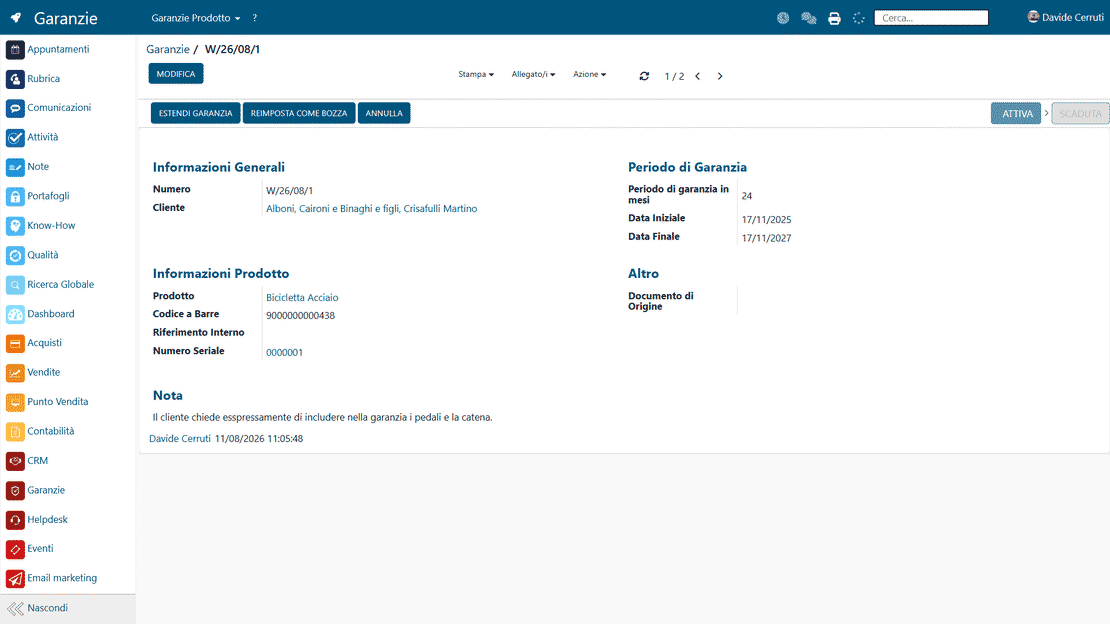
Every item sold is tied to a serial number or a batch. When support is needed, the operator pulls up the product’s full history and checks the warranty status. You always know who is responsible for what, and with which document.
Flexible Configuration
Set specific coverage durations and conditions per product category or single product, and sell time extensions or additional support packages. Zelo records every contractual change in the history and updates the actual service expiry date.
Expiry Monitoring
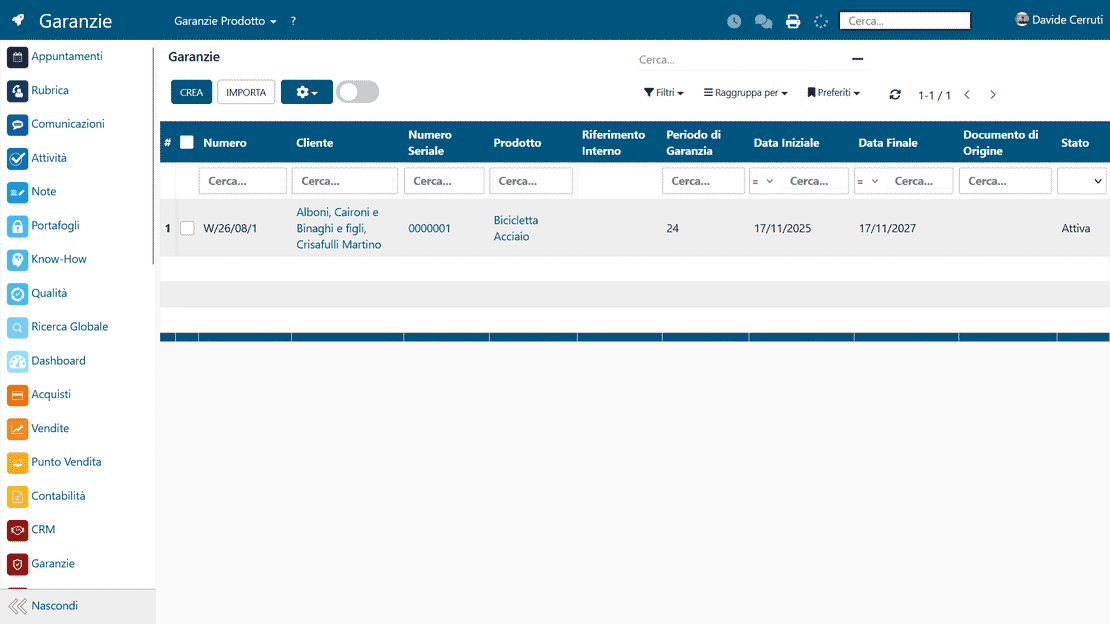
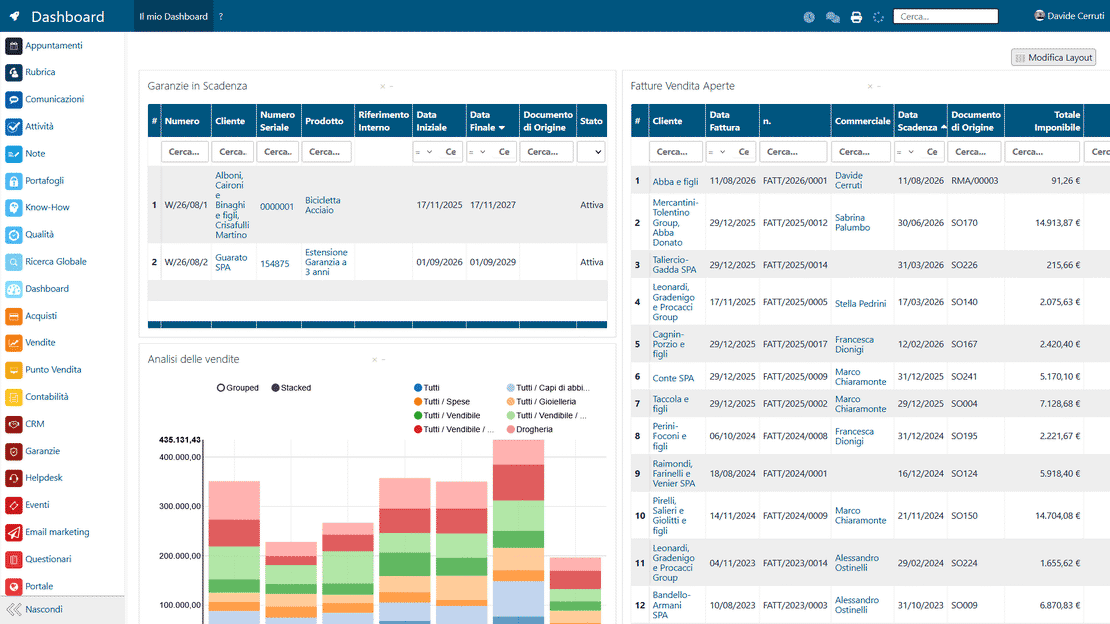
A dedicated dashboard shows the active warranties, the ones about to expire and the finished services. Filter the data by customer or product type to plan maintenance activities or replacement proposals for assets nearing expiry.
5 questions on the
Warranty Management module
Answers to the most common questions about features, integrations and costs.
When you associate a warranty with the product profile and set a duration in months, Zelo ERP automatically generates a warranty card every time the product is actually delivered to the customer. Activation happens when the warehouse movement is completed: the system fills in customer, product, any barcode, internal reference, serial number, source document, and the start and end dates of the coverage. Warranty management on products sold no longer requires line-by-line manual entry: you make fewer errors, and what was sold, what was delivered and what is actually covered always match.
Yes. Zelo ERP handles both products tracked with serial numbers or batches and untracked products. In the first case warranty traceability for SMEs is precise: for every serial you know whether it is under warranty, for how long, and based on which document. In the second case the warranty is managed by product and customer, with clear start and end dates either way. The same criteria cover very different scenarios, from a single industrial machine to consumables sold in quantity, with consistent handling of warranties on products sold.
Warranty management is integrated with CRM, sales, helpdesk and complaints. From a complaint or a support ticket you can reach the linked warranty in a couple of clicks and immediately see whether the product is still covered, under which conditions, and from which document the sale comes. Likewise, from CRM you always have evidence of the active warranties associated with each customer. This cuts analysis times, avoids discussions based on memory or external spreadsheets, and makes it easier to set up standard processes for handling disputes, replacements or repairs, both under warranty and out of warranty.
Yes. From the warranty card you can use the warranty extension function to lengthen its duration when you sell additional packages or premium services. You can link these services to price lists and contracts, so accounting and sales stay aligned. The new warranty end date is updated and stays visible to whoever handles support or complaints. This way Zelo ERP covers both the standard warranty management required by law and the commercial extensions that add margin and strengthen the relationship with the end customer.
With Excel sheets or disconnected tools, warranty management on products sold is fragile: duplicated data, different versions, copy errors, and information that never quite lines up with sales documents, warehouse and complaints. In Zelo ERP all the information lives in a single database: the warranty is automatically linked to product, customer, serial, documents and CRM processes. Warranty traceability for SMEs becomes immediate, checks take less time, you avoid honoring warranties that are not due and denying existing coverages, and the customer gets a far more professional post-sale experience.
Tools integrated with theWarranty Management
Discover all the tools integrated in Zelo ERP.
No license costs for installed modules, number of users or enabled workstations







No more Excel sheets: track every warranty in Zelo ERP
Talk to our experts and see how to automate warranty activation and checks.
Request a free demo