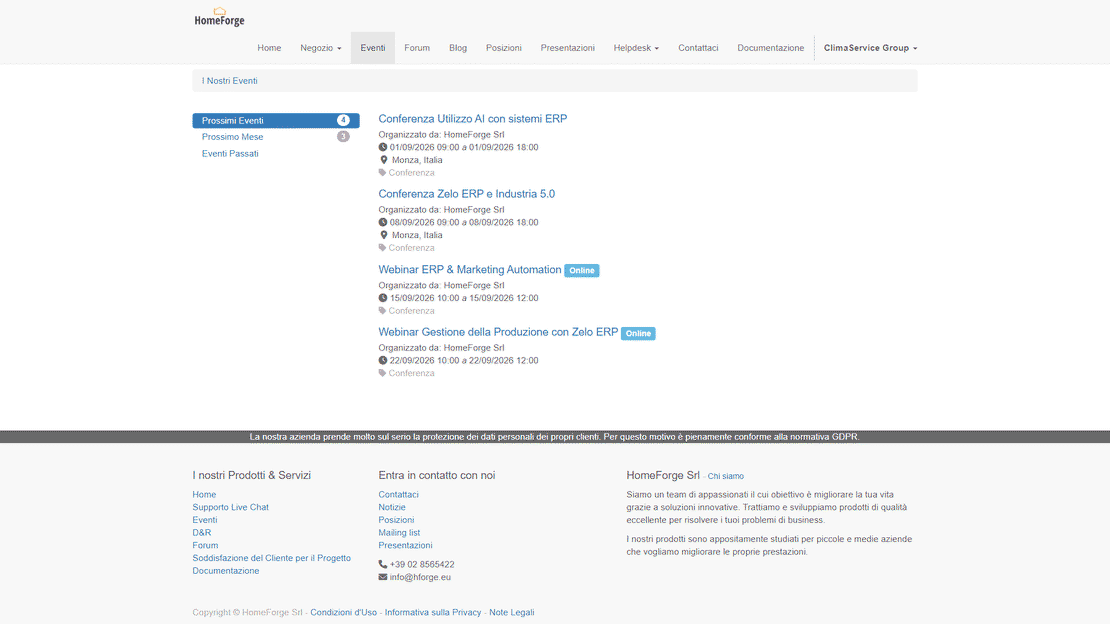
Customer Portal in Zelo ERP: documents, B2B orders and tickets in one place

Your customers get a web area that is synchronized with Zelo ERP. They view orders, invoices and DDTs, submit their own B2B orders and open support tickets without going through your office. Each piece of information is entered once in the ERP and reaches the customer directly: no manually sent files, no repeated emails.

Request a free demo
Customer Portal module of Zelo ERP: restricted customer area with documents, orders, e-shop and support tickets

Customer Portal: more autonomy for your customers,
fewer repetitive requests for you

Documents, orders and support requests under a single login. Customers serve themselves, and your team stops resending the same information over and over.

Fewer repetitive requests, more operational control

The Customer Portal gives customers direct access to their documents, tickets and project status, plus up-to-date inventory for online sales. Your team spends its time on the requests that matter instead of resending the usual emails.

  • Restricted area: orders, invoices and DDTs always on hand.
  • Customer helpdesk: tickets, status and communication history.
  • Technical documentation: files and product manuals.
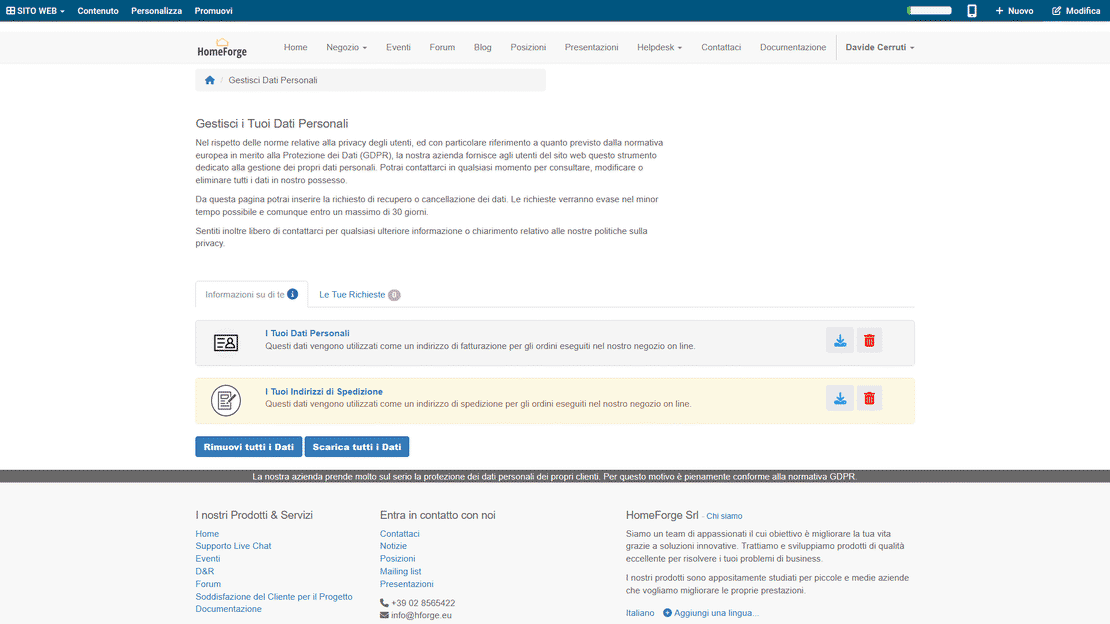
  • GDPR self‑service: data requests and updates.
  • Project progress: milestones, activities and history.
Self-service customers: they download invoices, DDTs and orders themselves

Customers find answers and documents without waiting: they download invoices and DDTs, check on their orders, open tickets and follow them. Every task a customer handles alone is one less call to your office.

  • Instant download: invoices, DDTs and documents.
  • Ticket status: always visible and current.
  • Tracked orders: full history and details.
  • Updatable data: customers manage their own profile and consents.
  • Clear projects: progress and communications in one view.

The customer portal in
three steps

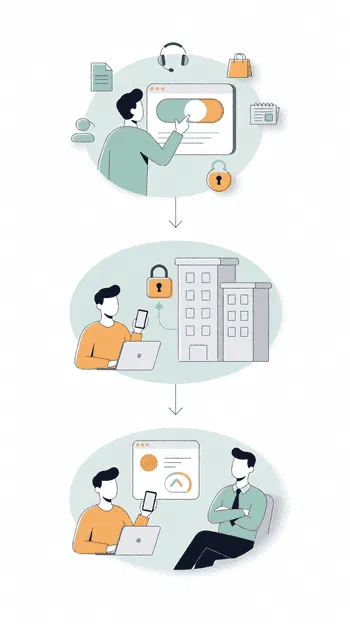
Activate the portal, link your customers, let them serve themselves. Three guided steps, and the scattered flow of requests becomes an organized, traceable process.

1. Activate

Configure the portal as public or restricted and choose which services to offer: documents, helpdesk, e‑shop, blog and project progress.

Link customers and set permissions: each one sees only their own orders, invoices, DDTs, tickets and technical documentation.

3. Serve

Customers view and download documents on their own, open tickets and follow them. You get fewer interruptions and more time for sales and projects.

Customer Portal workflow in Zelo ERP: activate the portal, link customers, enable self-service

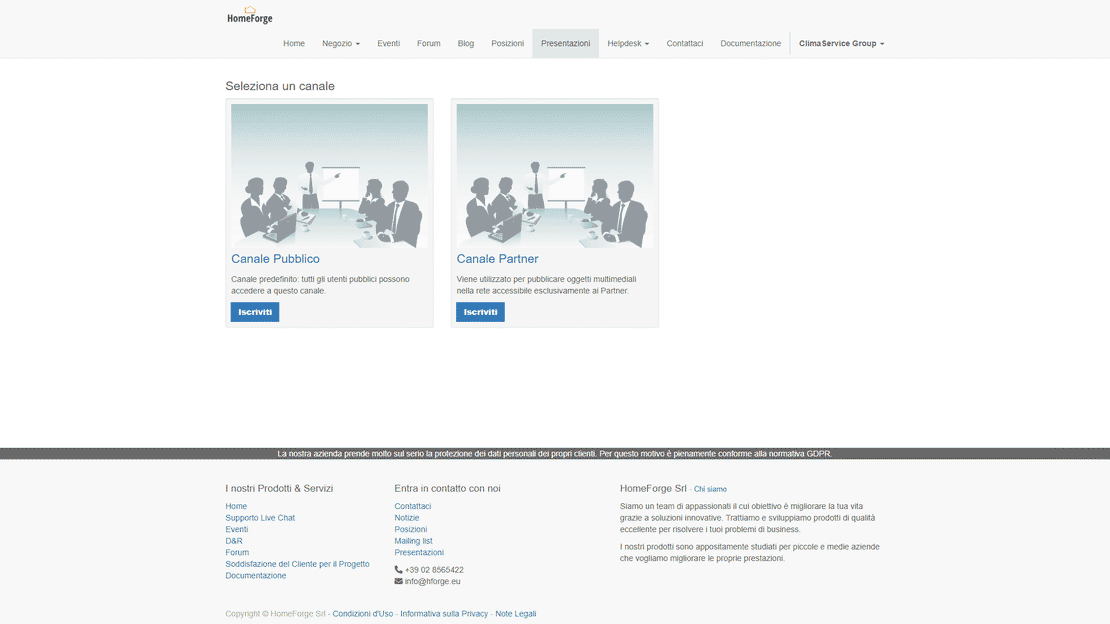
Customer documentation area

Customers reach the whole document archive on their own, synchronized with Zelo ERP. They view and download their order history, delivery notes (DDTs) and e-invoices in real time. No more manual requests to the administration office: all the information sits behind one protected access point.

Documentation area of the Customer Portal in Zelo ERP: DDTs, invoices, certifications and manuals for each customer
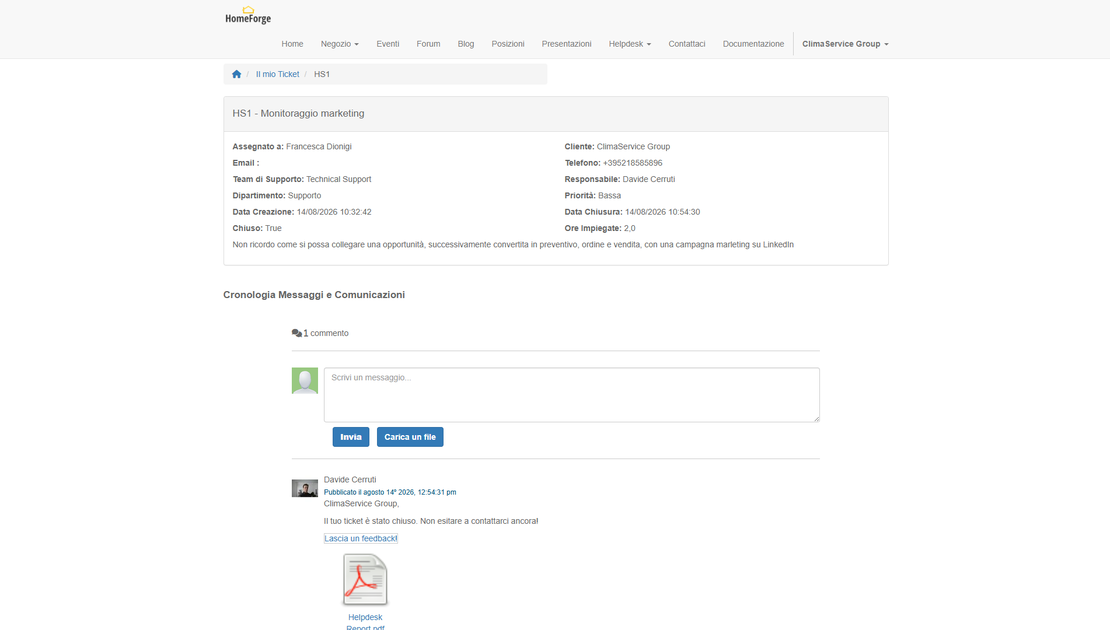
Support area of the Customer Portal in Zelo ERP: tickets, progress status and full request history

Customer support portal

A ticket-based helpdesk handles technical and commercial reports. Zelo records every request and shows the customer its progress status, so the company can order its response priorities without duplicate lists. Every ticket stays linked to the customer’s profile and history.

Online B2B orders

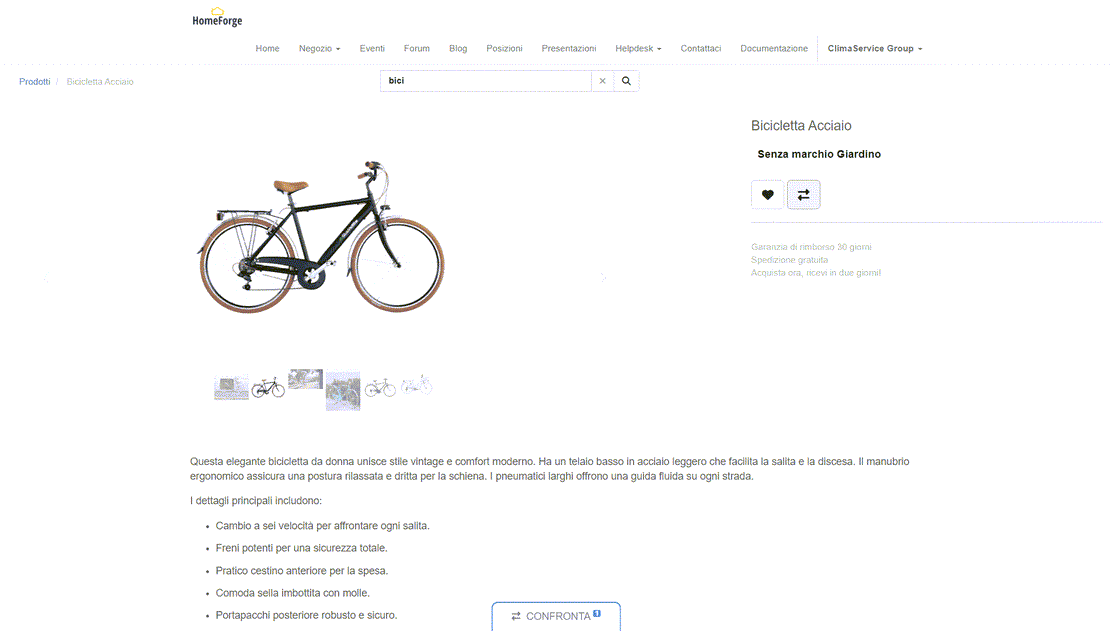
The e‑shop is built for commercial partners who enter their own purchase orders. It queries the Zelo ERP database and shows actual inventory availability in real time, which rules out data entry errors. An order sent from the portal lands directly in the sales module: fulfillment starts without anyone re-entering data.

B2B e‑shop of the Customer Portal in Zelo ERP: product price list with real-time inventory availability
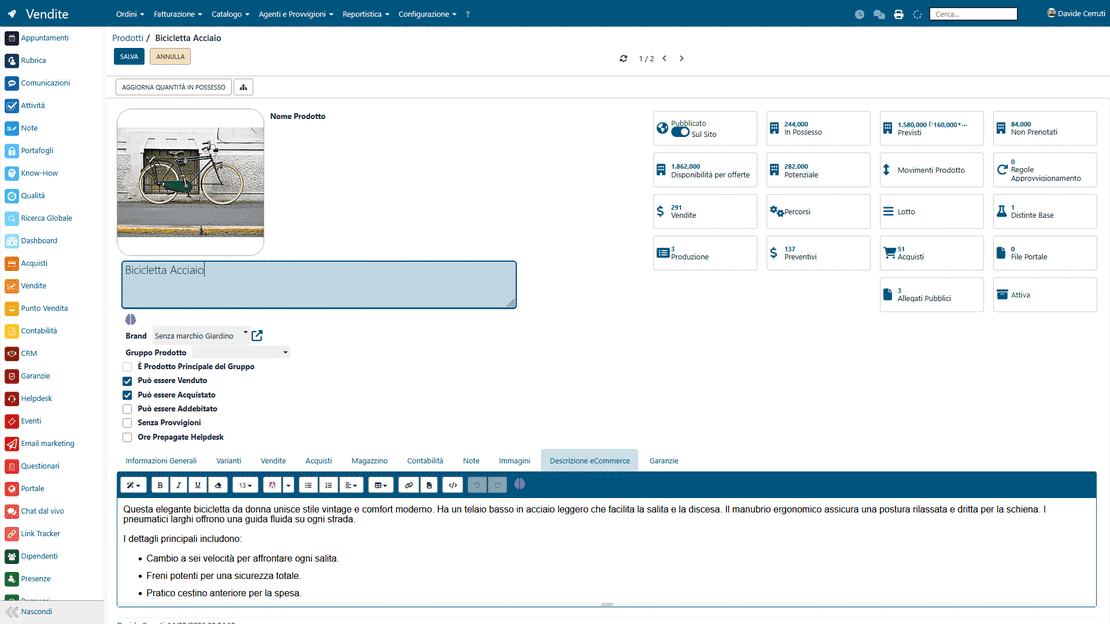
Customer Portal integration in Zelo ERP: two-way synchronization with accounting, inventory and sales

Native ERP integration

Everything in the portal comes from two-way synchronization with Zelo’s accounting, inventory and sales modules. Inventory changes and new documents appear to the customer immediately, with no double data entry, and anyone using the portal reads the same data the company works with.

Communication and News

Publish informational content, technical updates and commercial communications for your clientele directly in the portal. Manuals, catalogs and new-product announcements reach the intended users without mass email campaigns, your partners stay current, and you can see who read what.

News and blog area of the Customer Portal in Zelo ERP: communications and documentation for customers

5 questions about the
Customer Portal Management module

Answers to the most common questions about features, integrations and costs.

Both, and you can combine them: a public site (showcase, blog, e‑shop) and/or a restricted area behind a login. The restricted part gives customers a single place to check their operational information: documents, orders, tickets and communications. You keep public content separate from what is personal and private.

They can update their own data, submit requests (including GDPR ones), view orders and documents such as invoices and DDTs, open helpdesk tickets and check the status of their requests. The goal is simple: fewer repetitive questions, a more self-sufficient customer, and full traceability.

It doesn’t really “replace” them; it organizes them. Instead of conversations scattered across inboxes, every request becomes a ticket with a status, a history and an owner. That means fewer misunderstandings, better response times, and both the customer and the team always seeing the current state of things. SMEs feel the benefit most, since their support work is constantly interrupted by urgent issues and different channels.

Yes. The B2B e-commerce shows real inventory availability and includes commercial features like up-selling and cross-selling. For an SME that is a double advantage: you sell online with reliable information, and at the same time you guide the customer toward alternative or complementary products and grow the average order value.

Micro-enterprises too, because the problems it solves are the same everywhere: repetitive requests, documents sent a thousand times, untracked support, updates managed “by hand”. You can start simple (restricted area + documents + helpdesk) and add the e‑shop and content areas later, when you need them, without overhauling your processes.

Tools integrated with
Customer Portal Management

Discover all the tools integrated into Zelo ERP.
No licensing costs: you pay by installed modules, number of users or enabled workstations

call to action

Fewer repetitive emails, more time for sales

See how the Customer Portal works with real data from your company. Book a free demo.
Request a free demo